

Edly
-
Posts
242 -
Joined
-
Last visited
Everything posted by Edly
-
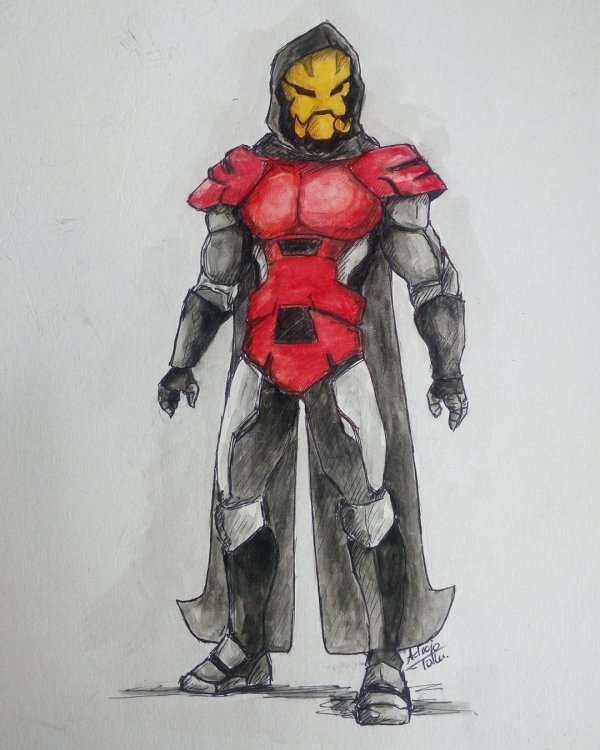
It's almost been a year since I posted here. This was a wip for a client. I think should complete it.

-
This one answered everything
-
Dragonborn Oracle (I'll be sharing my drawings here again, occasionally)
-
Win some lose some!
-
Elfbuster

-
Ahhh... Maybe I'll go complete my film too (The Book of Eli) and waste sometime playing Mortal Kombat X
-
Night, STOP SPAMMING!
-

[2015.10.29] Median Night Holiday. Joker’s Revenge. Release
Edly replied to Peter_Munk's topic in News & Announcements
Not ready!! -
[2015.10.23] 50% bonus for purchases of more than 1000 Miracle coins!
Edly replied to r0land's topic in News & Announcements
1st! -
LEL!
-
Norlant Tellus / Tower of Vrangis maps ( Revisited and remastered )
Edly replied to Blueborn's topic in Norlant Swamps
This guide just helped me now -
[2015.02.17] Warspear Online 4.7: Birth of the Tempest. Release.
Edly replied to Peter_Munk's topic in News & Announcements
Money Money Money -
I had a late entry, my card wasn't listed on FB too
-
Me two!!?
-
[2014.12.12] Median Night Holiday. Infographic
Edly replied to Peter_Munk's topic in News & Announcements
Oh wow!! -
Seems complicated!! But nice
-
Nice
-
Change my name to "The Nigerian" please. thanks
-
I love that picture Congratulations to everyone
-
Priest is as perfect as it could be. I love that class
-
Sell [Demonic Potion] (Life steal potion) x3 pm me in game(Raveboy) or here for negotiations
-
NOMINEES BELOW! - Cannot nominate yourself - Dont nominate someone just cus they are your friend - Determine whether you think they should be on this list. - Its not to do with their amplification, its how good they are at playing the class. anyone can be +9/10 but not always pro.
-
lmao
-
But but...