DaRk~Destroyer
-
Posts
120 -
Joined
-
Last visited
DaRk~Destroyer's Achievements

Brave Squire III (9/27)
2
Reputation
-
 DaRk~Destroyer reacted to a post in a topic:
[2016.09.13] Update Warspear Online 6.1 Preview
DaRk~Destroyer reacted to a post in a topic:
[2016.09.13] Update Warspear Online 6.1 Preview
-
[2016.08.03] Game servers stop on 04.08
DaRk~Destroyer replied to Daria's topic in News & Announcements
done tp hard -
Was angry bcoz it was damn hard... Nd nothing for it.... Well ty so much for help...
-
Char name = xshamyy Achievment = generol designer We done it bt just 5 sec after kill.. Server crashed
-
We done engineer in us sapphire... Bt after boss dead...i seen i got 5 achivment and suddnly all dc...and after 15 min when we can login back...boss was alive nd achivment gone..wtf is this...i want my kill back..it was not a easy thing to kill him...just dont think we r stupid.. We have proof of it...we have video...give us our kil back duck..
-
fkmcsdruid reacted to a post in a topic:
[2015.11.30] Update Warspear Online 5.3 Warrior's Path. Preview
-
Waterball only stun. 1 sec...forest sing not always work..then only root left.....just give tornado stun back or new skill disable skills
-
Just give druids.. Tornado stun back or make new skill disable skills.... If cant.. Just take ur new skill back..just give druids what we had in past..
-
Wtf gm..why remove tornado stun..nd why new skill dont disable skills..damn bad
-
5 hour completed bt. Still not up...
-
DaRk~Destroyer reacted to a post in a topic:
SCREENSHOTS FROM THE GAME
-
If lvl 24 do bg heroic? we can get costume?
-
Morgana reacted to a post in a topic:
Bug... Can't kill cicada bcoz of it..
-
Seee

-
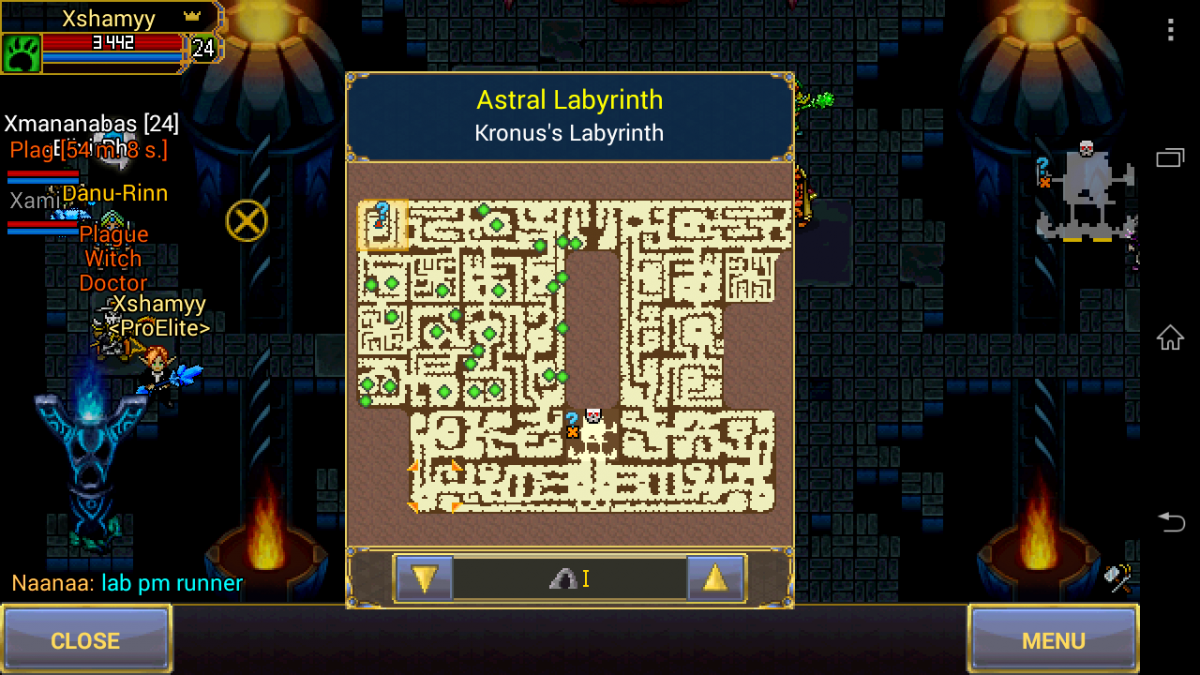
See where m pointing at down corner > side..how to go

-
All people tell different things like kronus drop, cicada drop.. Bt anyone sure who really drop it? Tell me
-
[2014.07.30] New awards for Arena season winners!
DaRk~Destroyer replied to Peter_Munk's topic in News & Announcements
hit points = damage -
wtf wtf wtf ...atleast give that 20-50 min timer bfore off it ...its ducking
-
new boss R.I.P ;)