MrSeby
-
Posts
630 -
Joined
-
Last visited
Never
Everything posted by MrSeby
-
[2014.08.26] Announcement: update Warspear Online 4.2
MrSeby replied to Peter_Munk's topic in News & Announcements
new items right? -
[2014.03.24] Guild tournament #17 - results!
MrSeby replied to snorlax's topic in News & Announcements
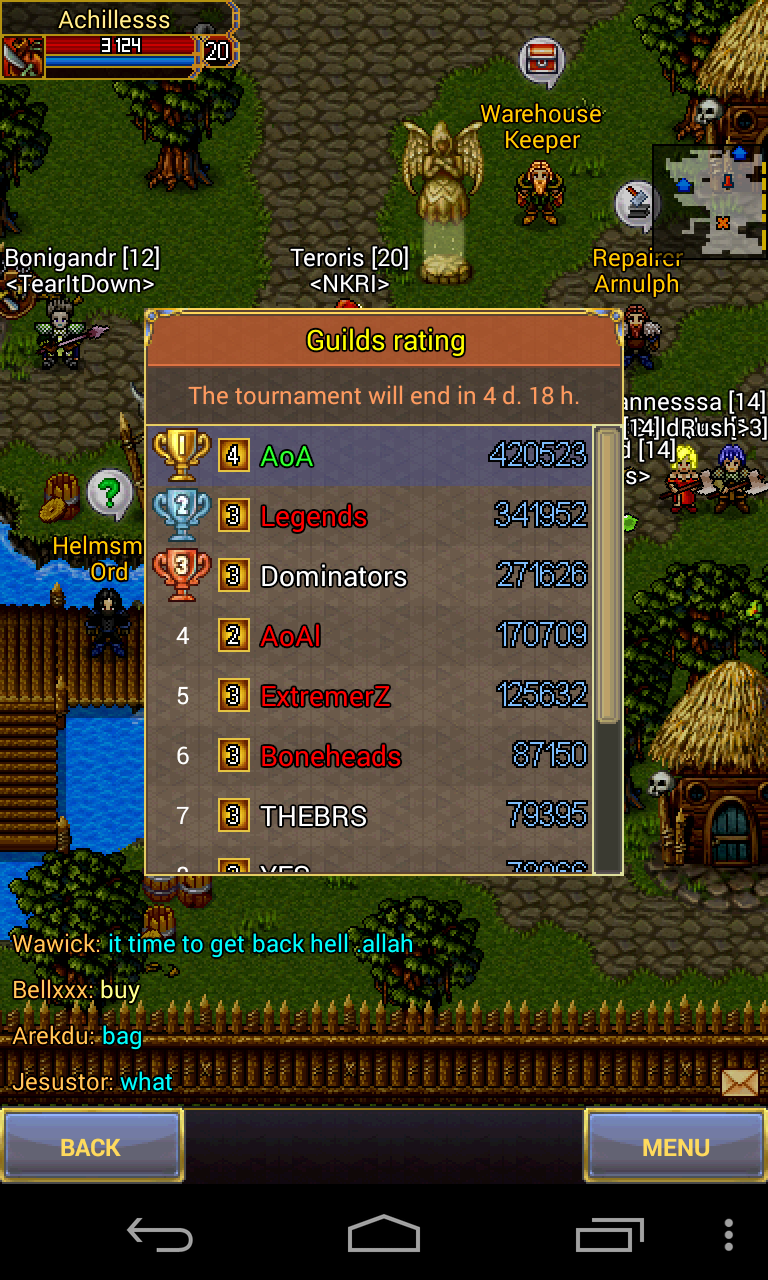
yay again we are #1 :blush: -
-
BUY RIPPER DAGGER EU SERVER MC SIDE
-
up
-
HELLO. Why I cant sell my golden cascket anymore?? I cant put it in dealer. Yesterday worked.
-
[2014.03.12] Warspear Online 3.12 released!
MrSeby replied to snorlax's topic in News & Announcements
WHY I CANT SELL GOLDEN CASCKET???? BEFORE UPDATE I COULD SELL IT OR PUT IN MARKET -
New rogue skill https://www.youtube.com/watch?v=JGX9hOaX3Zw&feature=youtube_gdata_player
-
:bad: :bad: :bad:
-
[2014.03.11] “Warspear Online” 3.12 Announcement - Expert Skills
MrSeby replied to a topic in News & Announcements
This is ducking cool. Nice skill for rogues -
Having some fun with allstars


-
xd hassn got angry i think
-
I thought Boneheads are stronger. I went random + bad set :shok:
-
Better change the reward for tournament
-
[2014.03.05] Rewards for Guild Tournaments №16, 17 and 18
MrSeby replied to snorlax's topic in News & Announcements
:good: -
[2014.03.05] Rewards for Guild Tournaments №16, 17 and 18
MrSeby replied to snorlax's topic in News & Announcements
Maybe devs will see our posts and they will change the reward :blush: -
[2014.03.05] Rewards for Guild Tournaments №16, 17 and 18
MrSeby replied to snorlax's topic in News & Announcements
Meh They could tell us when tournament started cuz we will get again same costume -
[2014.03.05] Rewards for Guild Tournaments №16, 17 and 18
MrSeby replied to snorlax's topic in News & Announcements
They could tell us... I worked hard again to get this costume 3 times. Ok i understood 2 times but 3 times? duck off -
[2014.03.05] Rewards for Guild Tournaments №16, 17 and 18
MrSeby replied to snorlax's topic in News & Announcements
:bad:Same :bad:
-
[2014.03.05] Rewards for Guild Tournaments №16, 17 and 18
MrSeby replied to snorlax's topic in News & Announcements
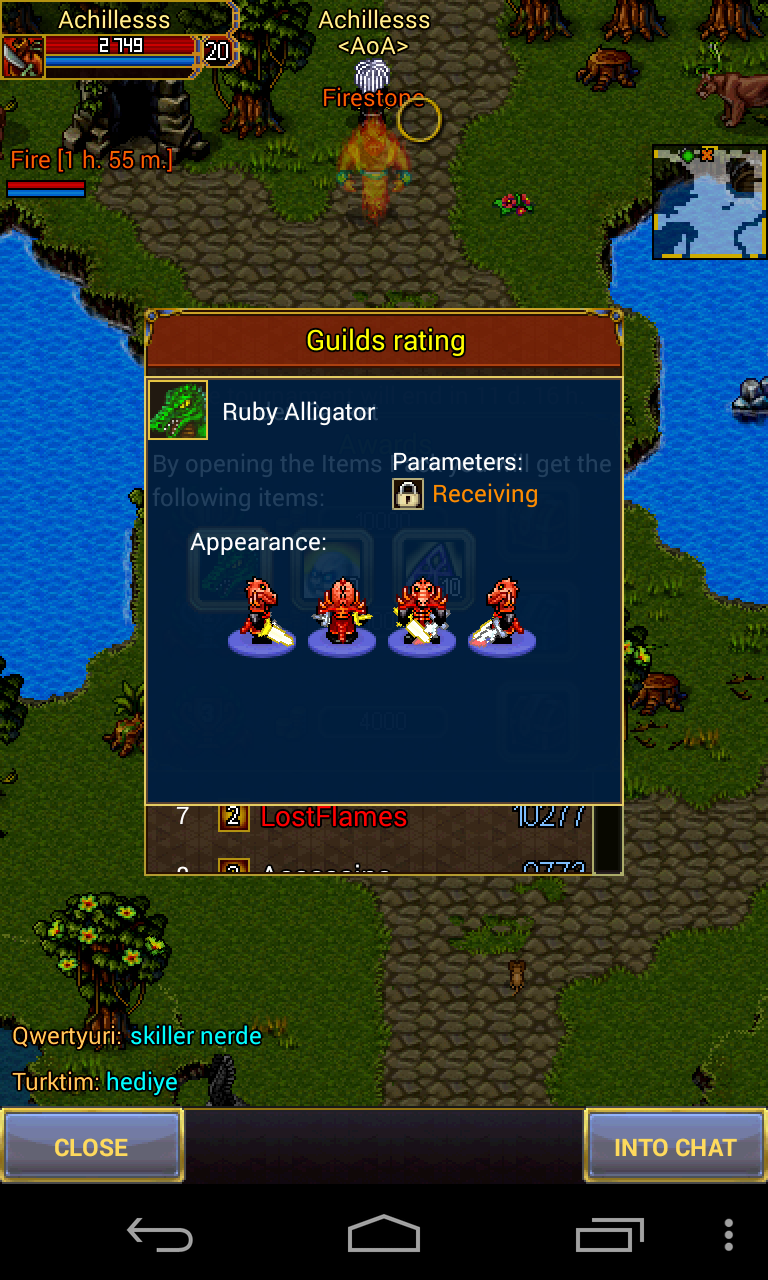
:bad: :bad: duck off. Give us crocodile . Its 3rd time when i get this shity costume. -
On last bb os you can instal apks ;D
-
[2014.02.03] Rewards for Guild Tournaments №14 & №15
MrSeby replied to snorlax's topic in News & Announcements
Any news :bad: :bad: :bad:??? -
I really dont like the nexus 5 design . n4 has that glass on back which makes it awseome :blush:
-
Well, ive got a nexus 4 with custom rom and kernel and is working verry well :good:
-
[2014.02.03] Rewards for Guild Tournaments №14 & №15
MrSeby replied to snorlax's topic in News & Announcements
Verry ugly :facepalm: