siwers
-
Posts
580 -
Joined
-
Last visited
Never
Everything posted by siwers
-
już wyszedłem z ABC i właśnie mają mnie invać do PolishTeam jak tylko się będzie dało bo 6h po wyjściu nie mogę dostawać inva
-
Thrace 5lv rogal :snorlax: szukać gildii :friends: yyy dość aktywnej gildii :clapping:
-
Critical skill w króliczka. Wklejać screeny ;)
siwers replied to Dziadzia's topic in Zdjęcia i filmy
310 -
ja na rogalu nie mam shadowsów i mam all q tak jak na nekro :tease:
-
nie trzeba shadowsów na bagna
-
więc lepiej zebrać inne kandydatury i zrobić głosowanie. To bardziej sensowne :P
-
ankieta typu miej nowego moda lub nie miej żadnego :wacko:
-
trochę odbiegacie od tematu :P
-
who is ginis? :pardon: :lol:
-
seems like multi :tease:
-
Critical skill w króliczka. Wklejać screeny ;)
siwers replied to Dziadzia's topic in Zdjęcia i filmy
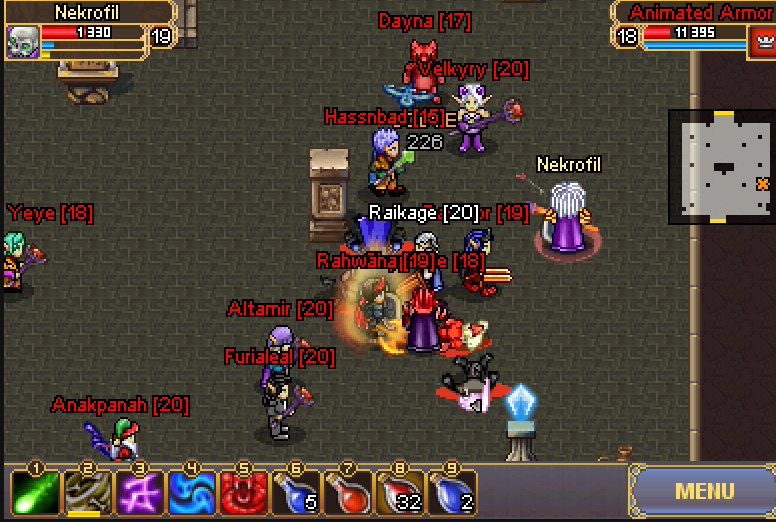
odrobinke lepszy crit po upie i nie zanosi sie na wiecej puki nie bede mial signów :D
-
Critical skill w króliczka. Wklejać screeny ;)
siwers replied to Dziadzia's topic in Zdjęcia i filmy
:blush: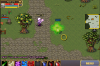
-
luck? ;)
-
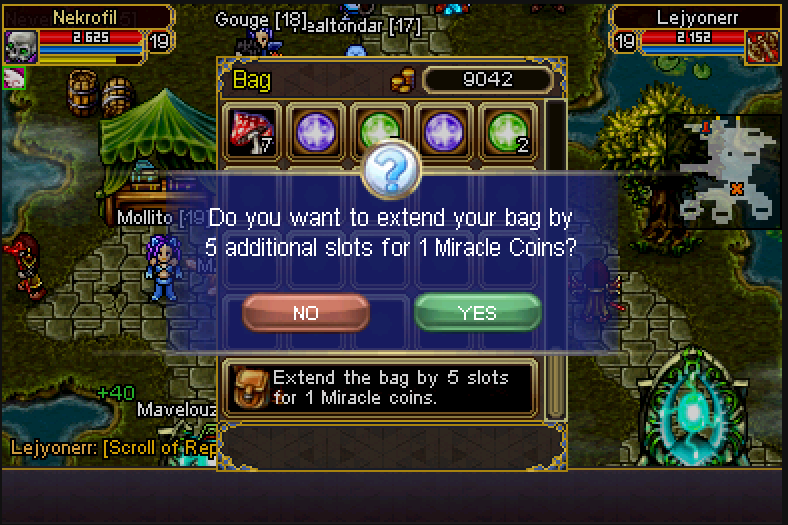
my last and only 1 bag for i pay mc ;D

-
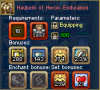
sell or exchange astral eq
-
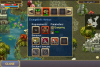
new drop ;)
-
exchange for necro staff
-
i cant get quest "bait for hydra" after used heart :wacko: it is needed for quest "hunt for the hydra"
-
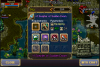
nice reward xd
-
corpses :* xd
-
solo aa b4 noobs come.. :wacko:
-
jeśli będziesz miał farta to będą z questa ;D a co do ss to oni zawsze są tam dokokszeni ;)
-
koszerny ma szanse na light sash :diablo:
-
why im sure about my 13lv reward? :lol:
-
Gdzie jest skarb?
siwers replied to bananovvy's topic in Górale - Frakcja "Mountain Clans & Forsaken"
nie jest dla 1st osoby, najpierw musisz mieć questa :tease: