Skip to content
View in the app

A better way to browse. Learn more.

Warspear Online official forum

A full-screen app on your home screen with push notifications, badges and more.

To install this app on iOS and iPadOS
  1. Tap the Share icon in Safari
  2. Scroll the menu and tap Add to Home Screen.
  3. Tap Add in the top-right corner.
To install this app on Android
  1. Tap the 3-dot menu (⋮) in the top-right corner of the browser.
  2. Tap Add to Home screen or Install app.
  3. Confirm by tapping Install.

Mofh

Members
  • Joined

  • Last visited

  1. Mofh replied to zhark's topic in Tavern
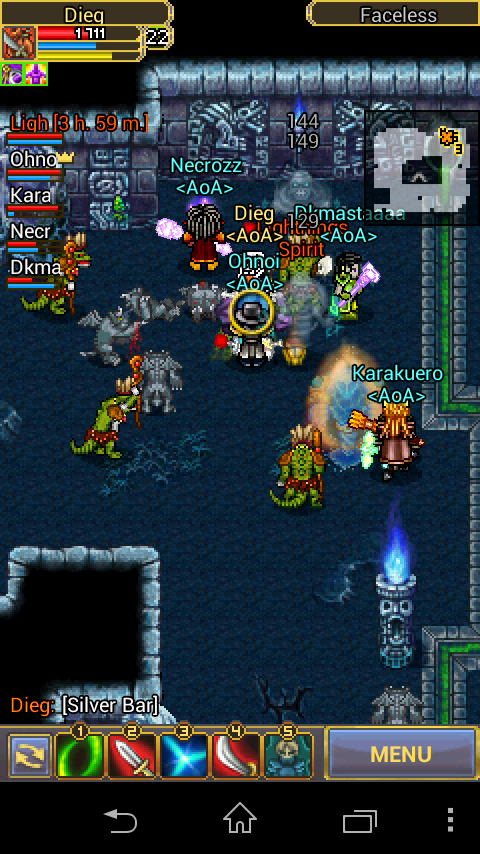
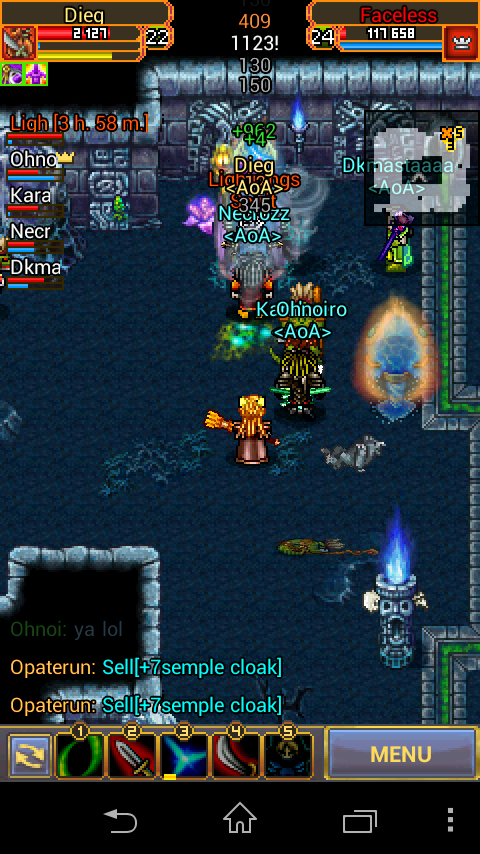
    Faceless
  2. Mofh replied to zhark's topic in Tavern
  3. Perfectelf lvl4 near 5 check again it in game
  4. Mofh posted a topic in EU-Emerald
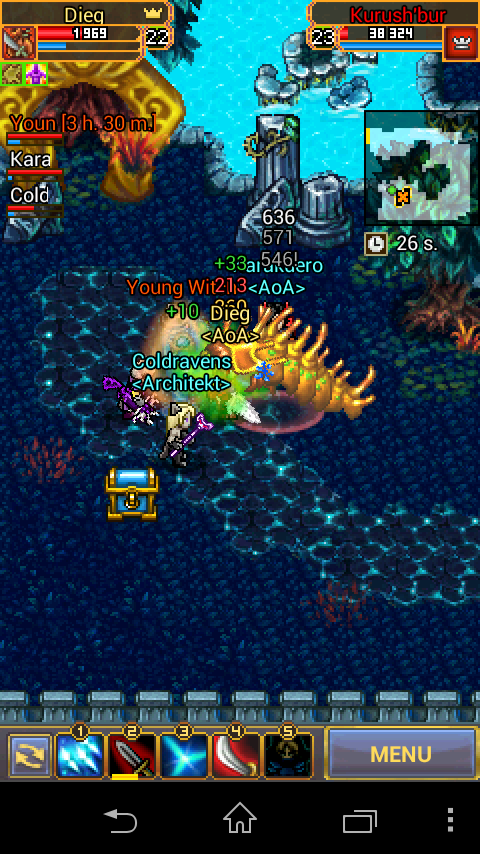
    THE NEW BOSS 1,5M LIFE
  5. Mofh replied to zhark's topic in Tavern
    30 staminas? XD
  6. Mofh replied to zhark's topic in Tavern
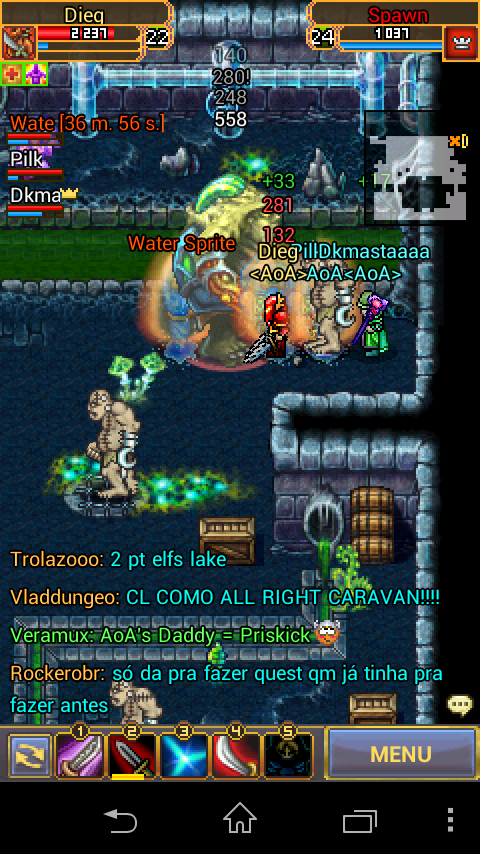
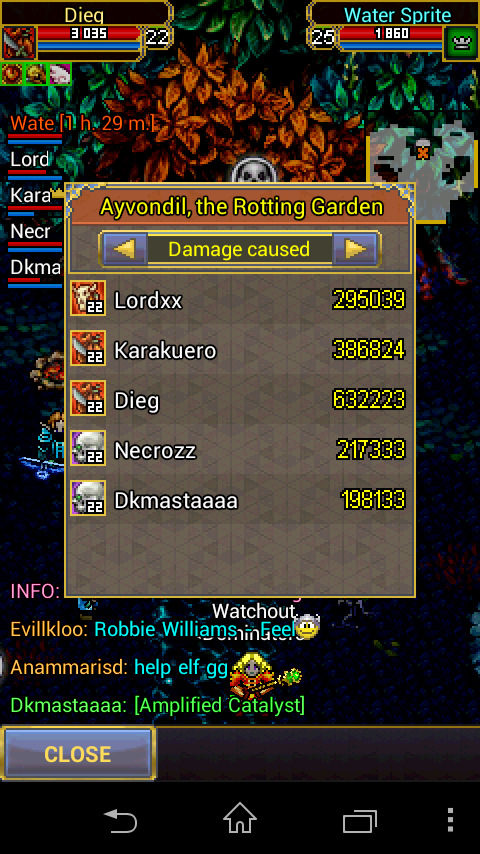
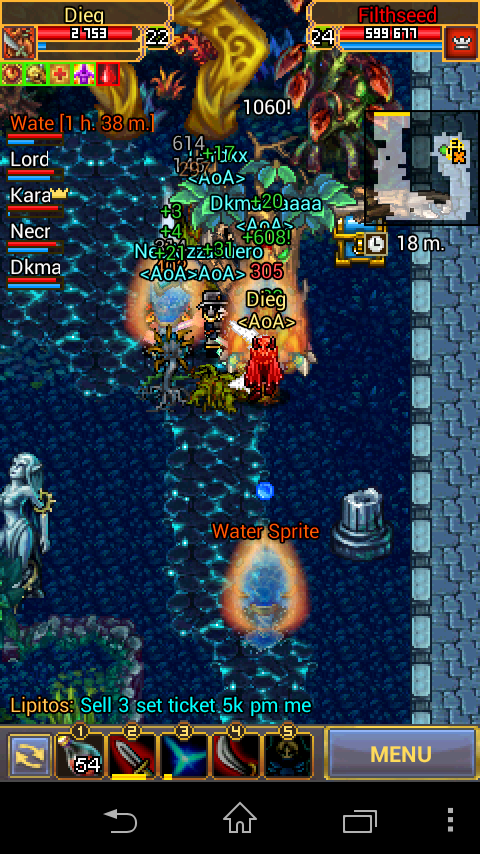
    Heroic garden AoA
  7. Yea u always freedom no friends :)
  8. And you? What you win?
  9. Talk when u win #1 in any tour :)
  10. Mofh replied to zhark's topic in Tavern
    HARD GARDEN
  11. And why they not say is same reward?... I prefer 10 berengar stash than this duck costume. Yea go all buy mcs spend money to give to this thieves of aigrind :)
  12. WHERE THE NEW REWARD ?????????????????????????? In ur ass?
  13. Mofh replied to zhark's topic in Tavern
    Same your +10 staff by hassn
Account

Navigation

Search

Search

Configure browser push notifications

Chrome (Android)
  1. Tap the lock icon next to the address bar.
  2. Tap Permissions → Notifications.
  3. Adjust your preference.
Chrome (Desktop)
  1. Click the padlock icon in the address bar.
  2. Select Site settings.
  3. Find Notifications and adjust your preference.