Search the Community
Showing results for tags 'us sapphire'.
Found 3 results
-
New Discord server for the Realm of US Sapphire. My discord Username and digits are AscLuna#4902. We welcome all sorts of players wether it be new or old. https://discordapp.com/invite/nHVeT7k
-
Hi my Names Chase I wanted to have fun when I entered forums so thought I'd enter me and my brother made a cute little costume for me XD I posted one Costume photo And One Regular I've played since I was 8! June 7th 2012 and Am excited to be a new member on forum I wish everyone luck! (Kronusx Us Sapphire) (Badxjuju and SiN for life.)
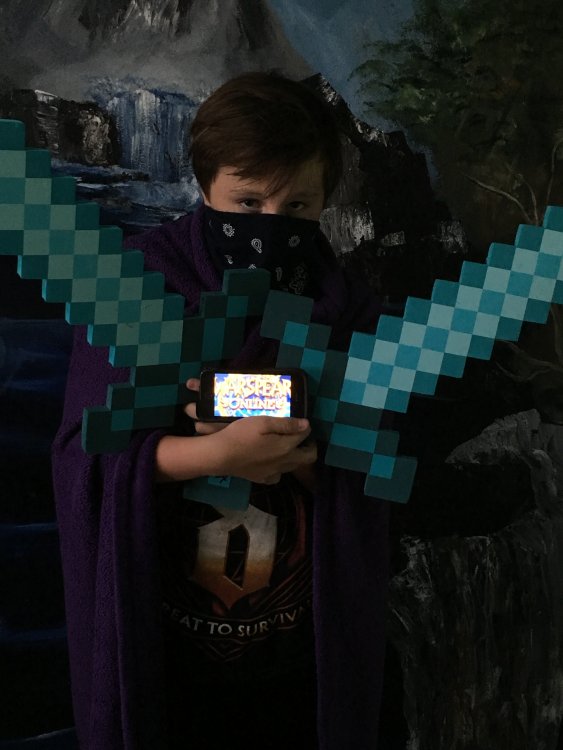
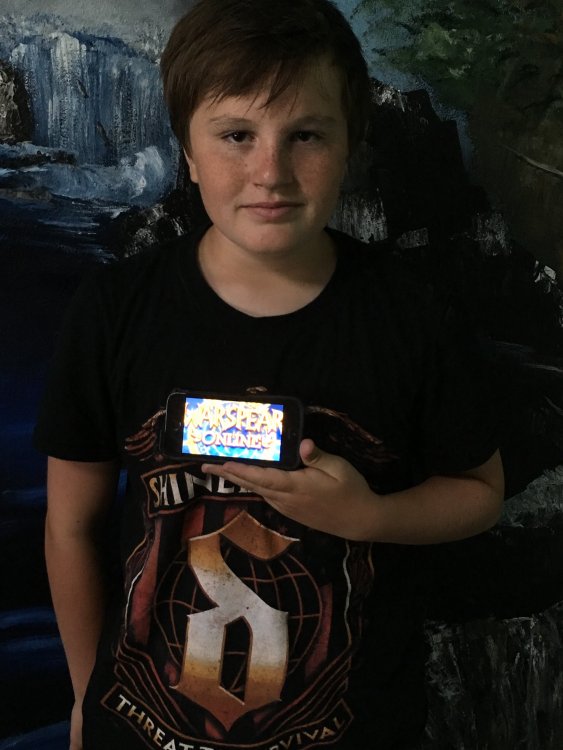
-
New Youtube Contest: Record a funny or romance or horror or anykind of theme u see is good of a mini video which should include the following: *Your Character regardless if mc or elf *At least 1 member or more of THEMERCS guild US Sapphire *A little story Make a mini video of 1-5min, should have a story behind it u can talk real voice in it or include text or maybe funny music or action music depending how u want the video to be, try to be creative as much as u can, the more creativity in the video the better chance of u winning. Example: Ur an mc, u ganked a member of THEMERCS in a funny way and u recorded,edit n upload it Ur an elf, u went on a dungeon with 3 members of THEMERCS and had action scenes, record, edit n upload it. How to join: After u have your video ready and edited, upload it to your channel of youtube and comment a link of your video in my channel Warspear THEMERCS https://www.youtube.com/channel/UCZElH91kOlJaXks5v64lvRQ u can comment in any of the videos in my channel, i will watch each video carefully and judge fairly Rules: There is no rules, anything is allowed, anyone can join even if hes already a member of THEMERCS the only limit is ur creativity. Prizes: 1 Winner will be picked by zeusxelie aka me, will receive 100k elf side gold There will also be many secondary prizes for whos videos has great stories. Time: I will close to contest on Saturday 28/2/2015 thats at the end of this month u have till u record, edit and upload your video, dont forget to comment a link of your video to enter the contest. I will pick the 1 winner and give prizes to most of u guyz in between 5-10th/3/2015 depending how many videos there will be After i picked the 1 winner and the others who will receive secondary prizes, i will post them in a video that will be uploaded at Warspear THEMERCS channel https://www.youtube.com/channel/UCZElH91kOlJaXks5v64lvRQ Because this is the first video contest THEMERCS doing, i will accept 2 videos/channel U can have as many channels as u want i dont care no rules no duplicate videos allowed ofc I will contact you for the prizes, if you have any questions please ask here If u gona include real life voice or text, please keep it ENGLISH only Always remember: THEMERCS KNOWS NO FEAR
- 26 replies
-
- 2
-

-
- THEMERCS
- US Sapphire
- (and 2 more)