Skip to content
View in the app

A better way to browse. Learn more.

Warspear Online official forum

A full-screen app on your home screen with push notifications, badges and more.

To install this app on iOS and iPadOS
  1. Tap the Share icon in Safari
  2. Scroll the menu and tap Add to Home Screen.
  3. Tap Add in the top-right corner.
To install this app on Android
  1. Tap the 3-dot menu (⋮) in the top-right corner of the browser.
  2. Tap Add to Home screen or Install app.
  3. Confirm by tapping Install.

Nickcdr

New Members
  • Joined

  • Last visited

Everything posted by Nickcdr

  1. Yes. In addition to adding some new things to the game, it encourages more the players, it would be more accessible to everyone and would be another form of monetization, thus guaranteeing more support for the game. A system to consider, i think.
  2. How about a premium subscription time, where you pay an amount per month and who signs have access to extra, exclusive content and some bonuses. A system similar to Tibia, for example.
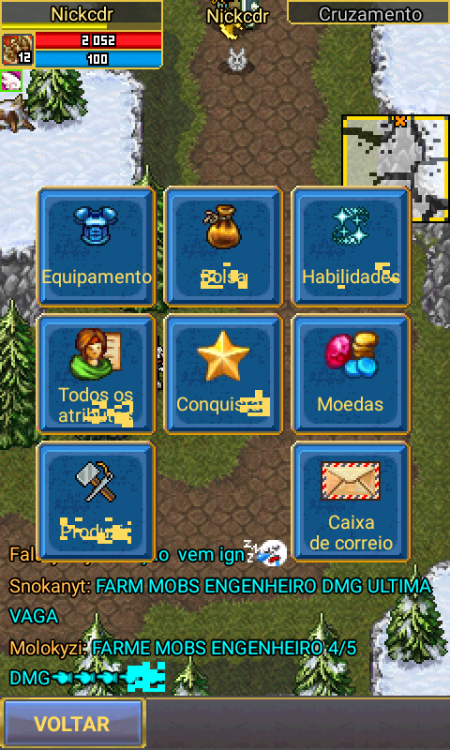
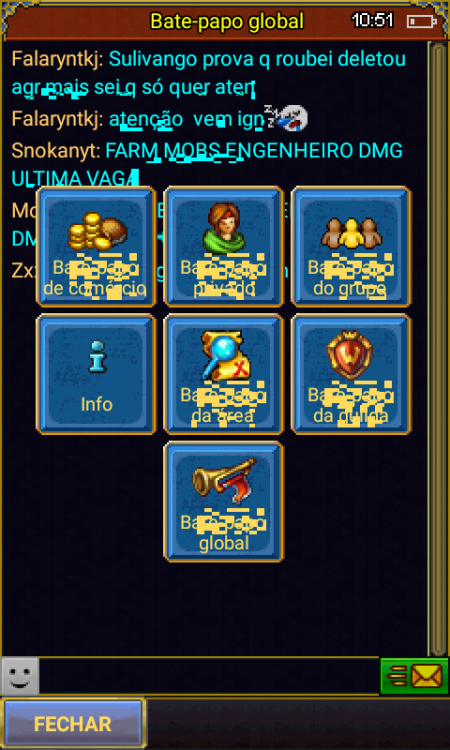
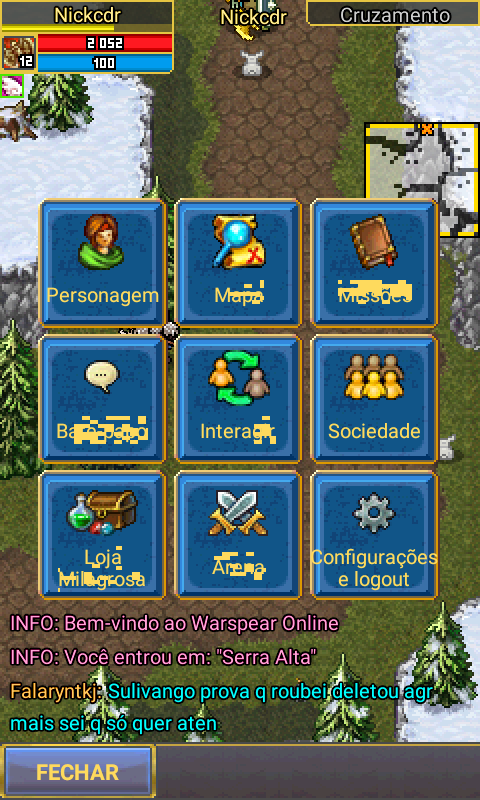
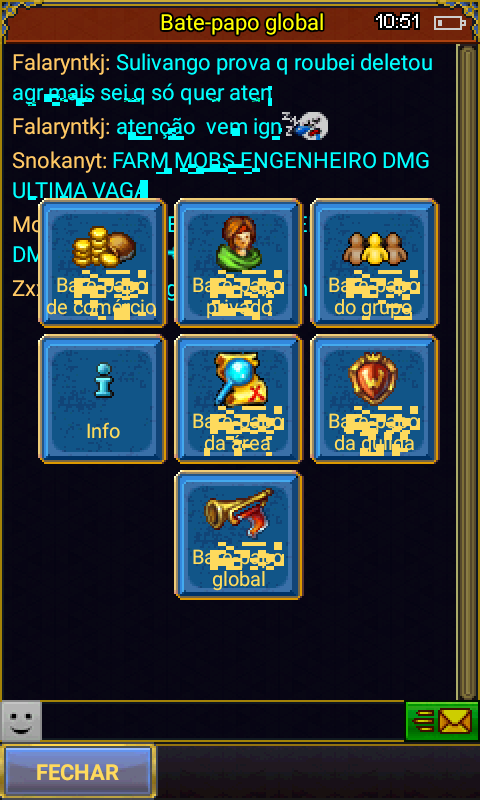
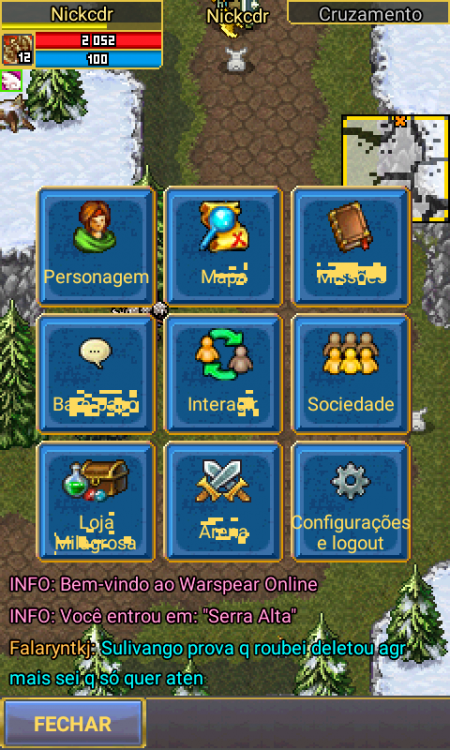
  3. This is happening to me. Blurry letters... I'm using Alcatel 4 with Android 6.0.
Account

Navigation

Search

Search

Configure browser push notifications

Chrome (Android)
  1. Tap the lock icon next to the address bar.
  2. Tap Permissions → Notifications.
  3. Adjust your preference.
Chrome (Desktop)
  1. Click the padlock icon in the address bar.
  2. Select Site settings.
  3. Find Notifications and adjust your preference.