


ex-cloud
-
Posts
64 -
Joined
-
Last visited
Never
Posts posted by ex-cloud
-
-
In last few maintenances they always reduce my main BD healing by 4 or 6 points. Why reduce it. Before update I have 133points but after update only 129points. OMG in happent two times to me.
-
This is the nice one, like my JX ONLINE ppl can invite ppl to pvp mode and when ppl died has no damage to the gears too.
-
Thats nice suggestion too...it should be this way: every day each boss get 5kills, everytime it is killed by one player, he lost a kill for that player, but every kill he lost, he give more 3% chance to the player, if u didnt undestand, i give u a precision comment...
note: he get 5kill to each player, so every player can kill the boss 5 times each day (i happyly go and kill the boss, he lost one kill, so i can kill he 4 times, but others still able to kill he 5 times and if u in party and boss die and u in the room, u get 0% chance if u already killed he 5 times this day)
-
Make sure you have collected all items for complete quest, if not the npc will not show in map. Check out!
-
Thanks, it from animated armour. :) :) :) fun to die :) :) :)
-
I've just got in trouble with farming. Its not good to keep people farm hour and hour. How about other party want to farm just stay calm or steal killing and then they do report to ban other party. Complex!
-
Its really at first island bosses drop? Maybe I've got sometime to check. And which boss? :)
-
Ranger now lower defence after update. But new skill awesome attack no matter only problem is defence. :( >:D
-
Yes already update to 5level. Its less than before 4% or 5%. :facepalm:Did you upgrade your parry skill?
-
Dodge my bd does not work and after update 1.5 they lower our Parry % too Why devs?
-
Yeah the old one working great. i just done it not too tough. Sh....
-
Shadow of Berengar



-
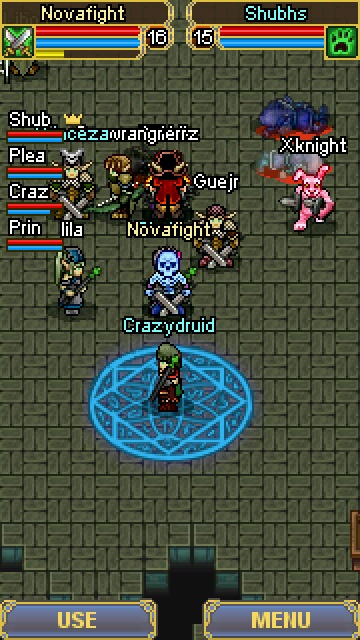
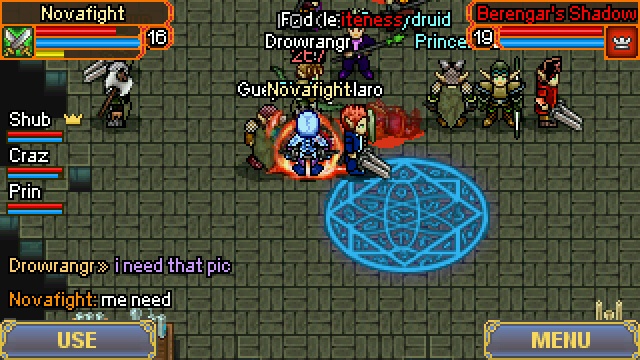
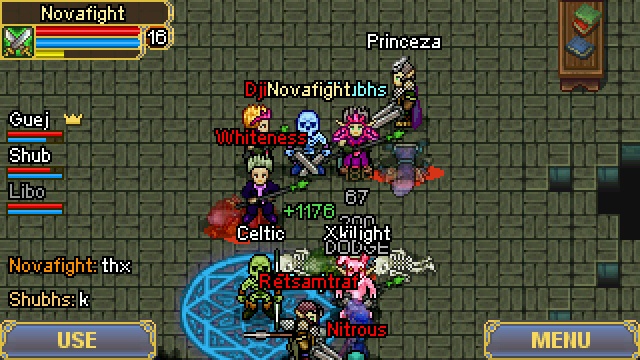
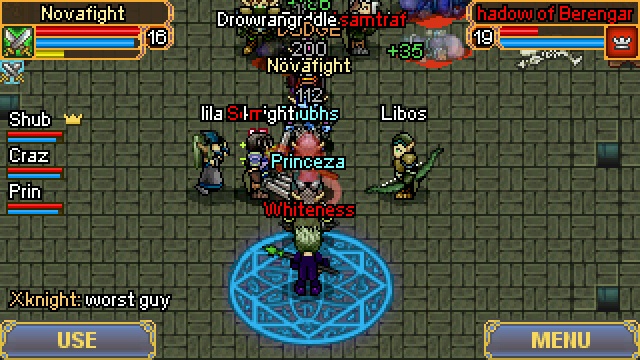
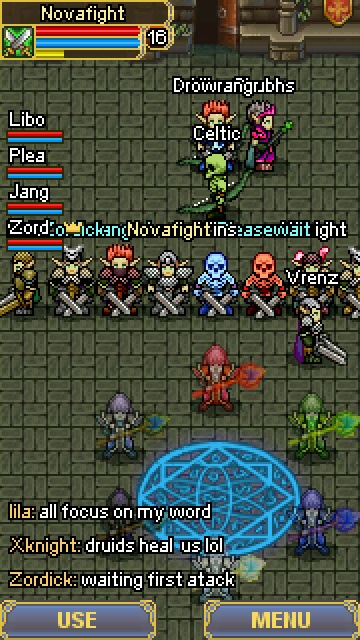
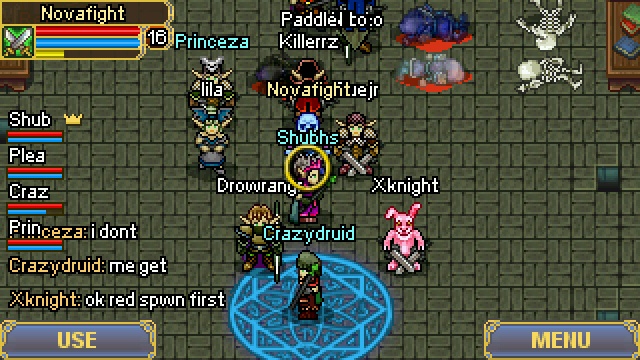
Thanks to Iila and Xnight and all the shadow team work that some screen shots...



-
Congrate to all the winners! :)
-
Logo
in Best drawing
This is the real drawing, great
-
But your dodge is lower :rofl: :crazy: ;Di have 26% crit :tease:
-
Only half of set bonus (all is 4 set bonus helm=2, armour=2). When you wear Helm and Armour only helm=1, armour=1 are active to use. Other 2 bonus is not active. Only Boot and Glove can activate other 2set bonus include boot and glove bonus too. From guard rare...what do u mean by 50%??
do u mean half of the regen bonus with 212 bonus health??
or only the 212 bonus health??
make it clear ::)
-
I died while killing Guntram guy... I nearly to take my Bow item but DCd. How bad i am... :facepalm:
-
U can use it only 50% without glove and boot.
-
Fighting and stalking eachother :facepalm:
-
Try to remove and delete the game folder then install it again.
-
Novafight Bladedancer level 15 (level up 16 tomorrow :))
-
Chrono you killed my little BD (Chrono + Shamanking versus Novafight level15) how noob you are :rofl:. then I took my ranger out and attack with 2 v 2 haha they gone the ground buried... :wacko:
-
I know that but I want the is more playbale than this. More fun more money, no fun no money too... Let's think... :) :facepalm:Try to hit first or kill Lambert again then. Its not that hard.
HP regen
in Questions & Answers
Posted
My bd lost 30points and ranger lost 13points. Oh whats the update meaning? To slaught us :facepalm: