





mashunecka
Renaissance Figure
-
Joined
-
Last visited
-
mashunecka changed their profile photo
-
-
-
-
-
-
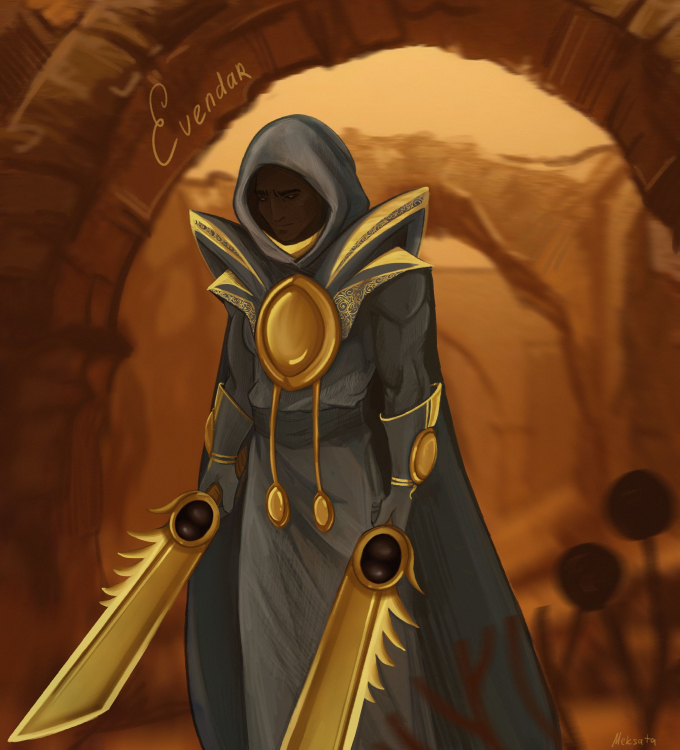
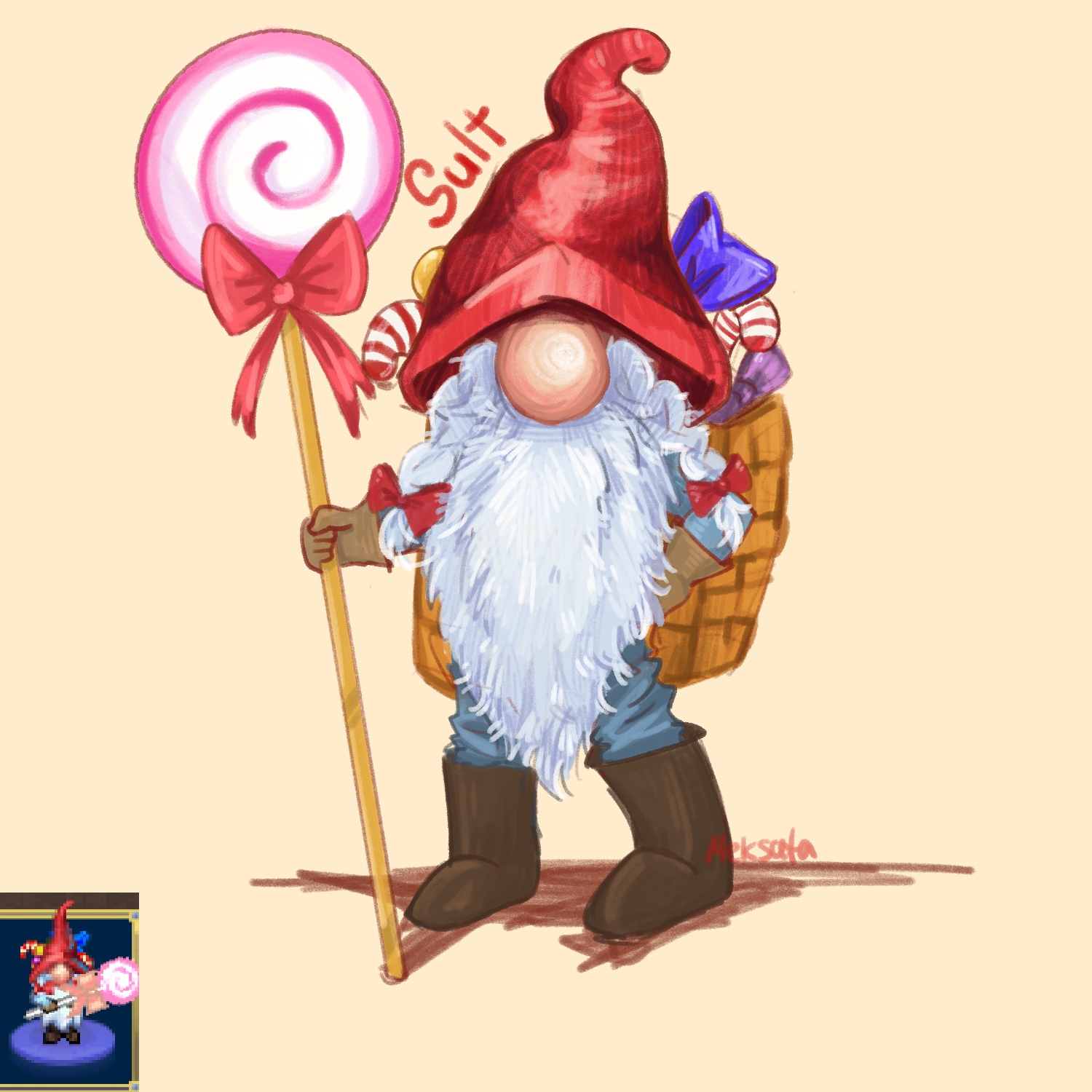
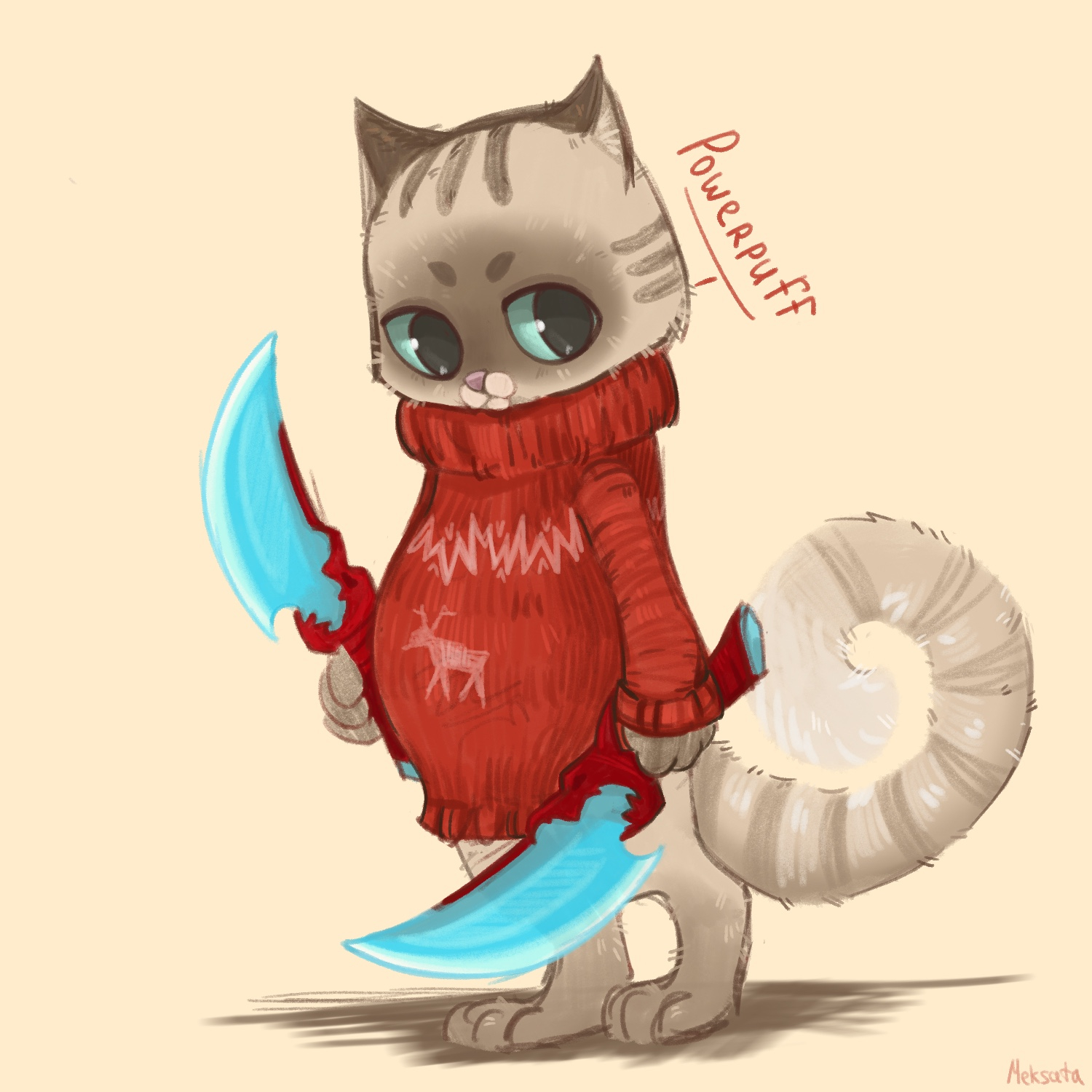
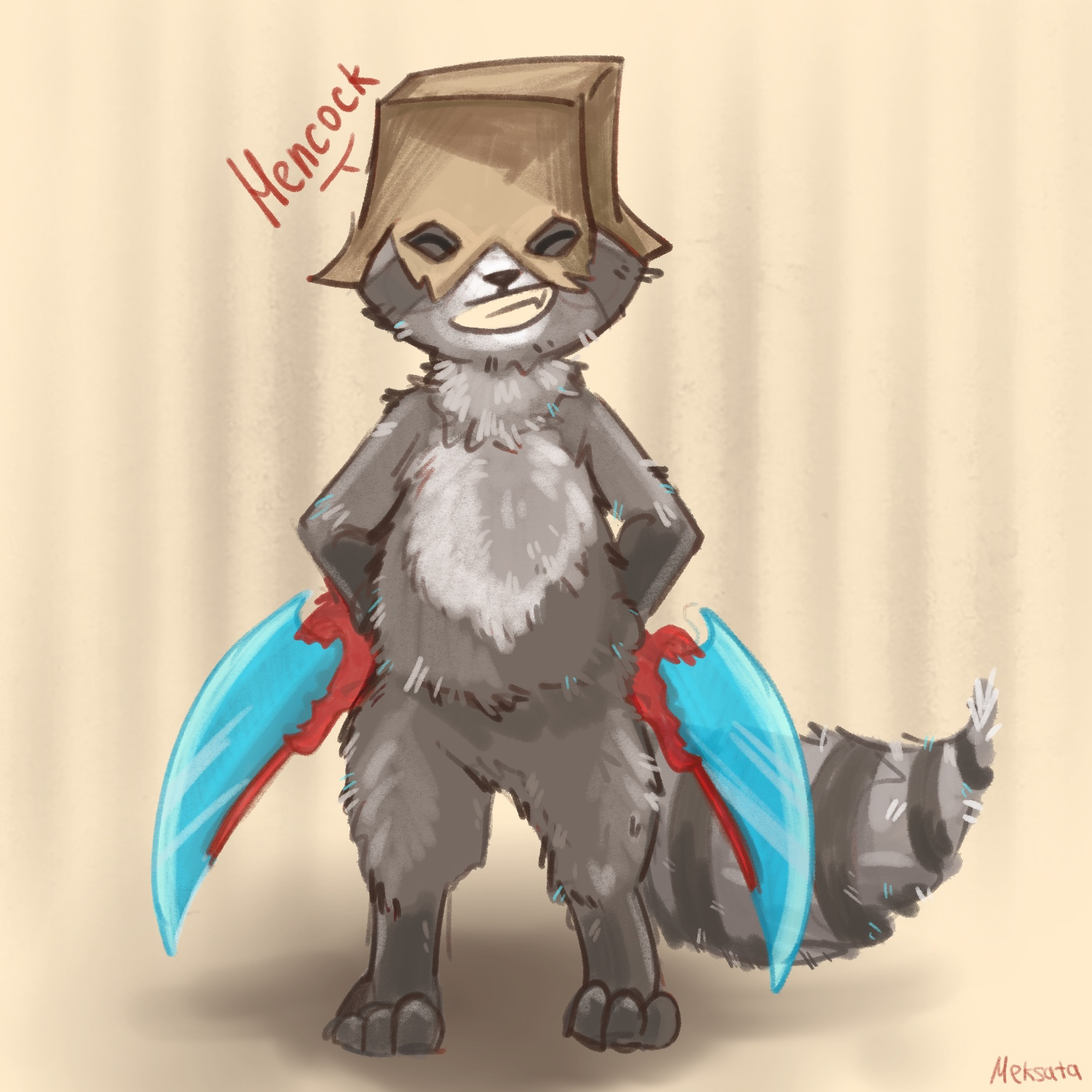
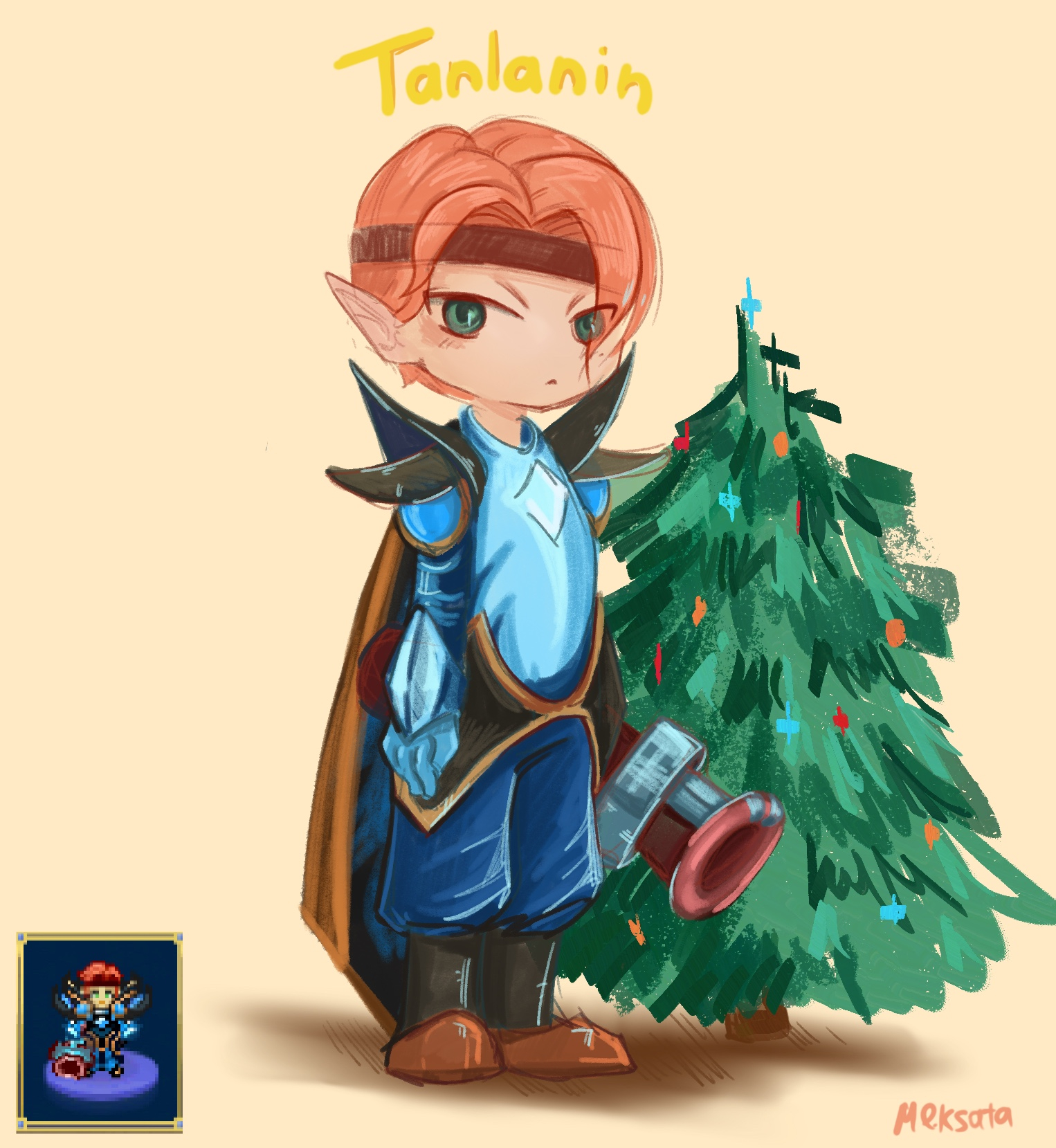
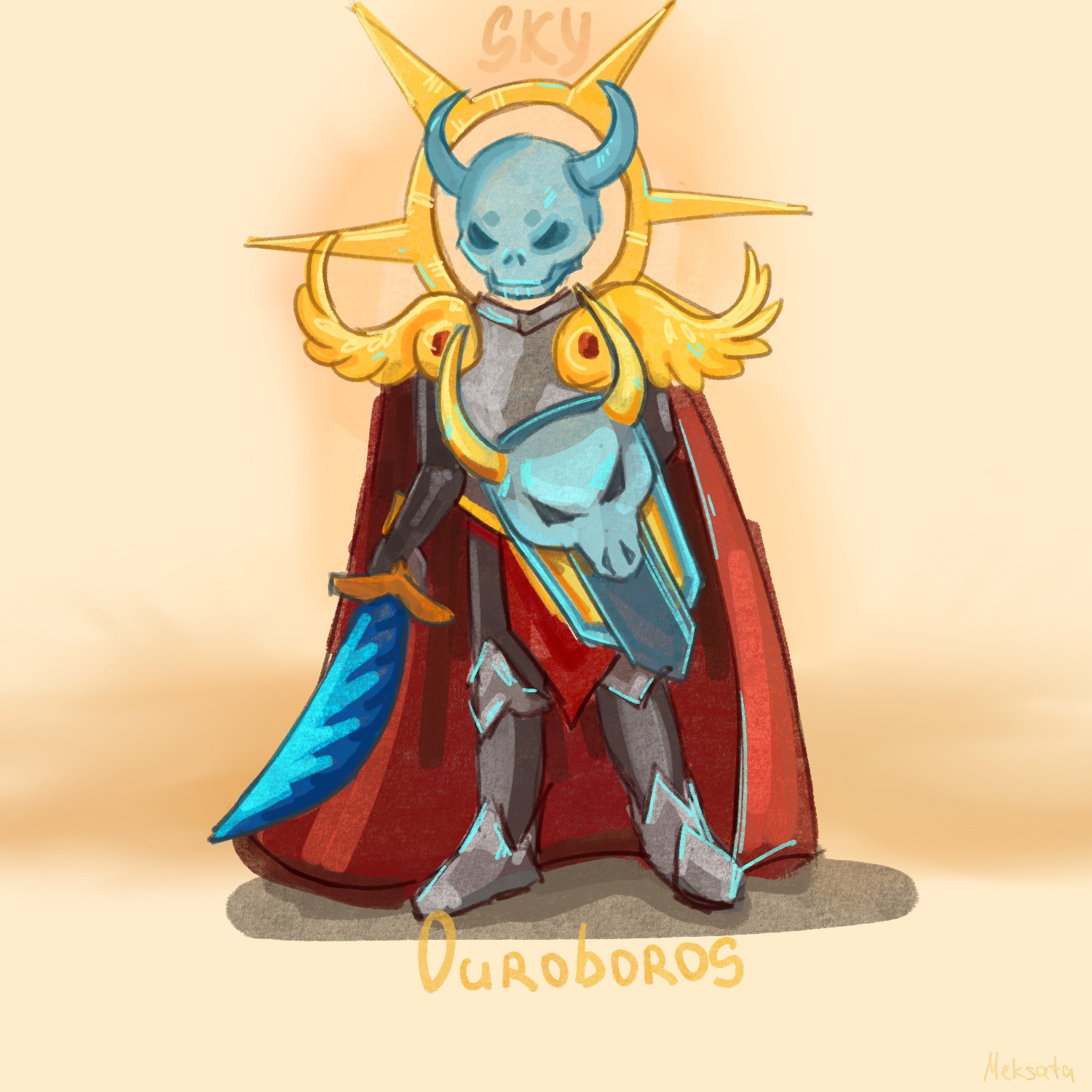
Спасибо за заказ, легенда
-
-
-
 Uzumaki reacted to a post in a topic:
[2025.12.25] Аринар должен знать своих Героев: награждение участников сообщества 2025
 mashunecka reacted to a post in a topic:
[2025.12.25] Аринар должен знать своих Героев: награждение участников сообщества 2025
Сундучки пришли с подкруткой это моя первая книга , которую я выбила в игре за всё время..
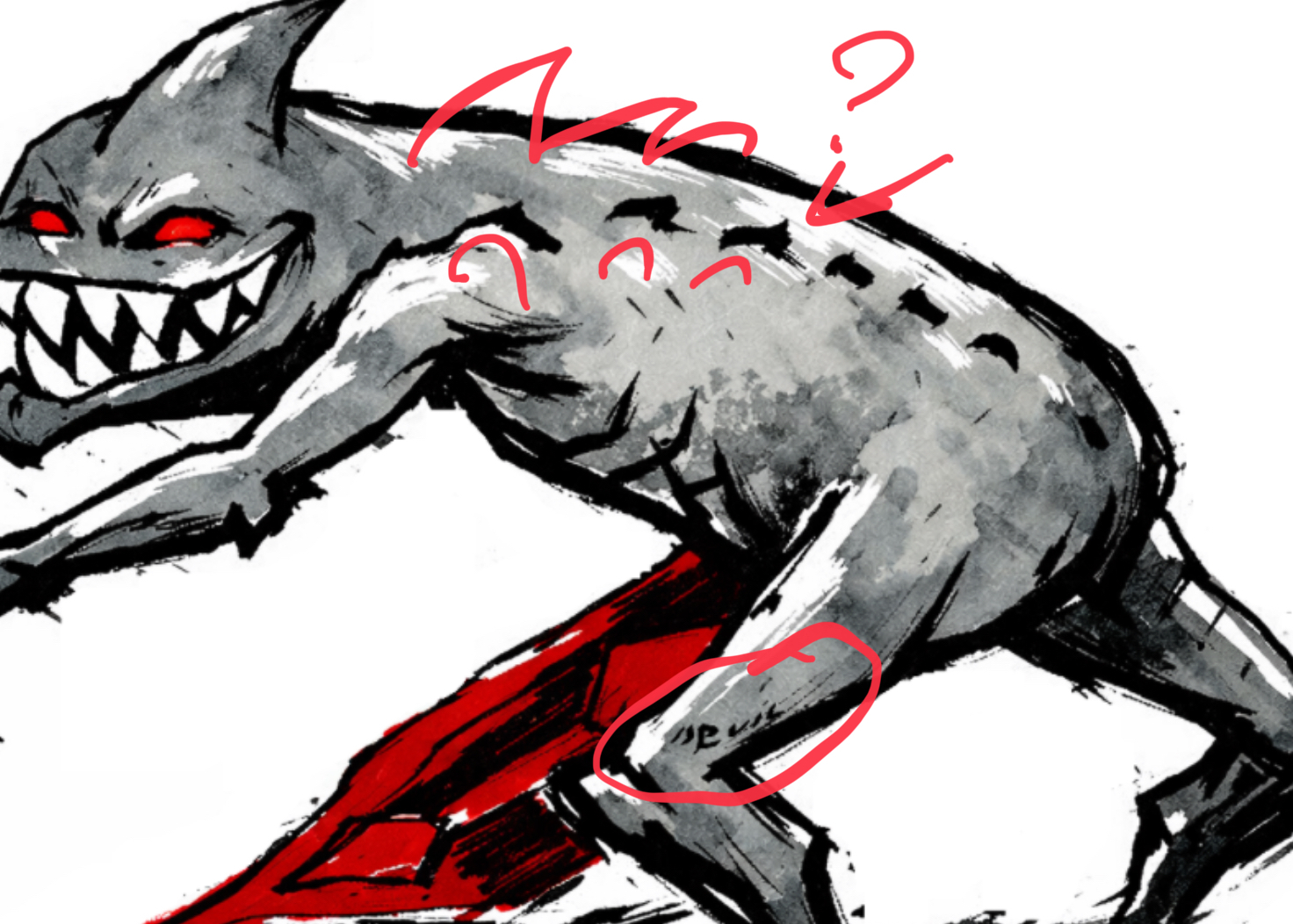
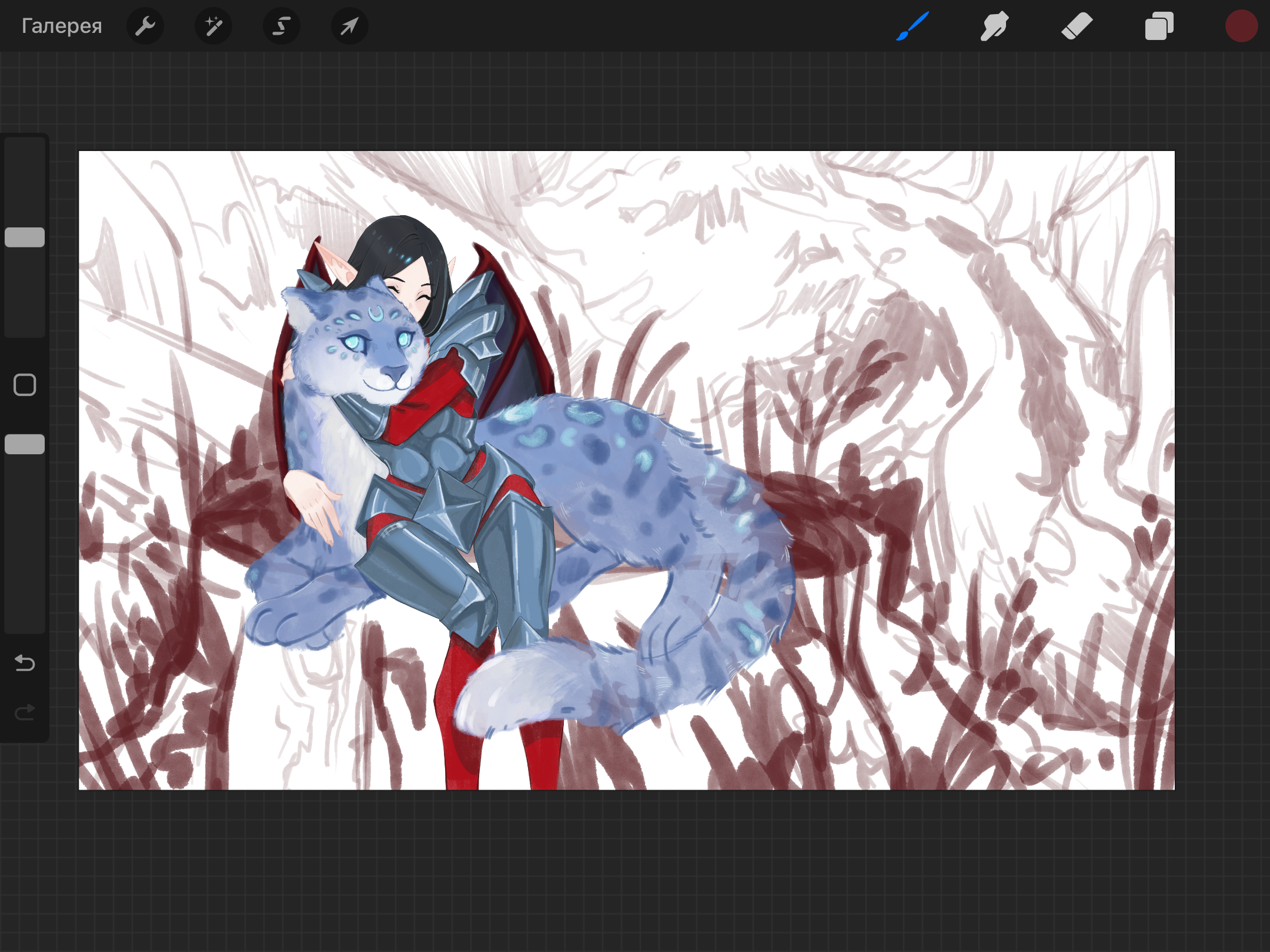
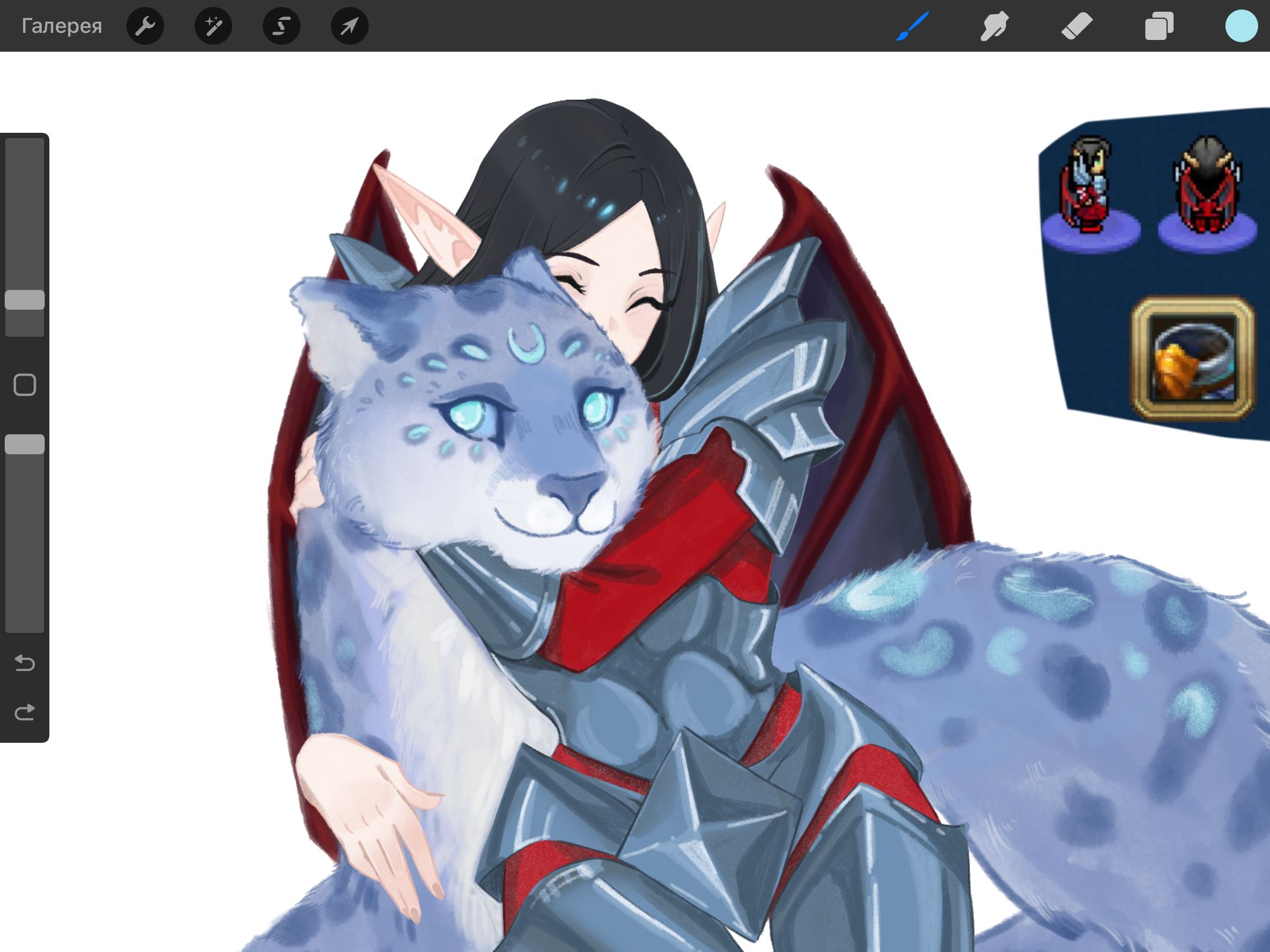
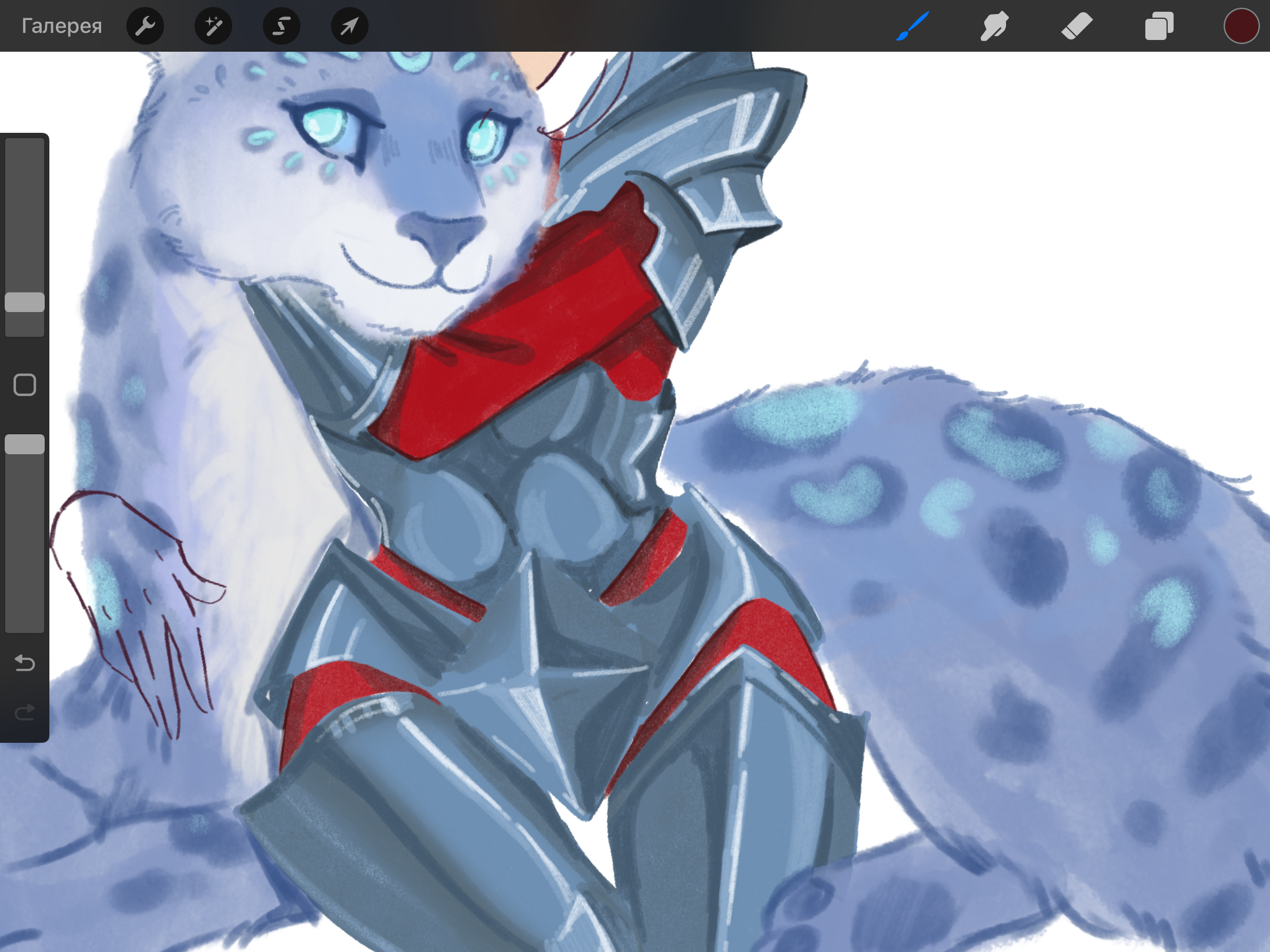
 Присутсвуют такие ляпы , по типу непонятного текста на участках рисунков , что свойственно ИИ , и много различных деталей которые не смог бы сделать обычный художник при «случайной ошибке или невнимательности» :)
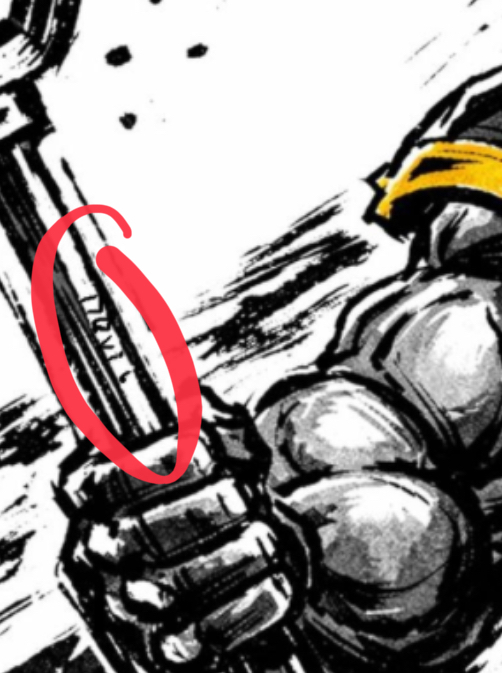
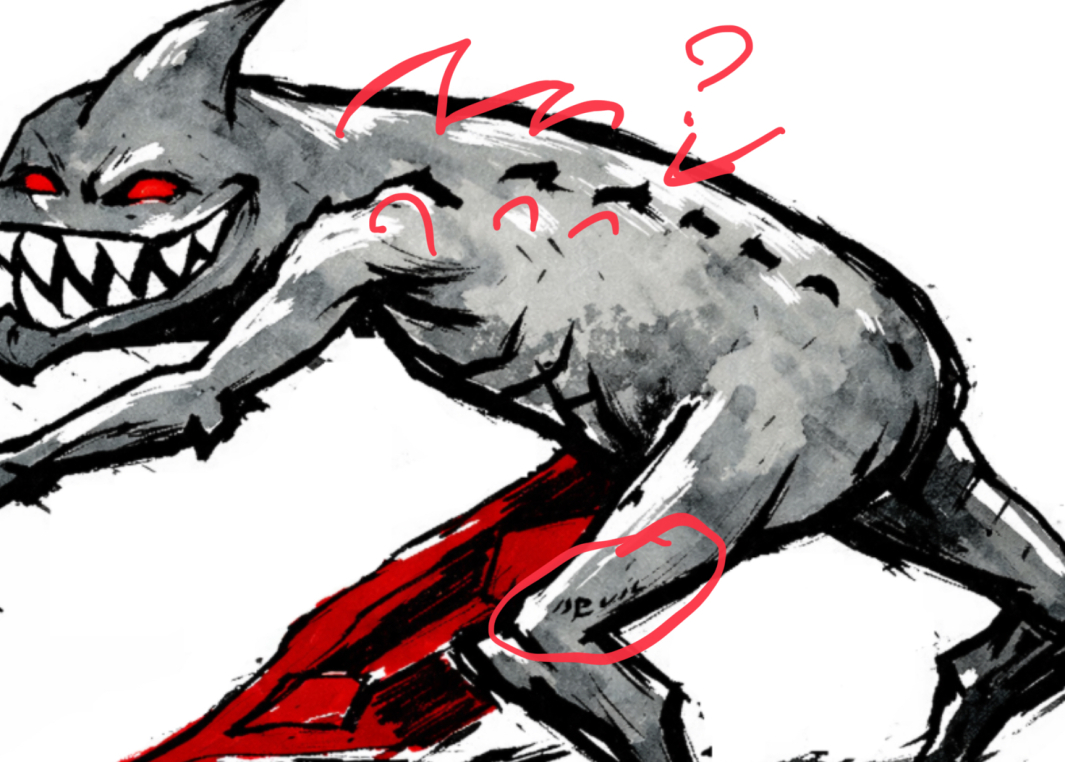 Раздел с ИИ артами находился ниже , спасибо. :)
mashunecka reacted to a post in a topic:
[2025.12.12] Обновление Warspear Online 13.2: Анонс. Часть первая





Account
Navigation
Search
Configure browser push notifications
Chrome (Android)
- Tap the lock icon next to the address bar.
- Tap Permissions → Notifications.
- Adjust your preference.
Chrome (Desktop)
- Click the padlock icon in the address bar.
- Select Site settings.
- Find Notifications and adjust your preference.
Safari (iOS 16.4+)
- Ensure the site is installed via Add to Home Screen.
- Open Settings App → Notifications.
- Find your app name and adjust your preference.
Safari (macOS)
- Go to Safari → Preferences.
- Click the Websites tab.
- Select Notifications in the sidebar.
- Find this website and adjust your preference.
Edge (Android)
- Tap the lock icon next to the address bar.
- Tap Permissions.
- Find Notifications and adjust your preference.
Edge (Desktop)
- Click the padlock icon in the address bar.
- Click Permissions for this site.
- Find Notifications and adjust your preference.
Firefox (Android)
- Go to Settings → Site permissions.
- Tap Notifications.
- Find this site in the list and adjust your preference.
Firefox (Desktop)
- Open Firefox Settings.
- Search for Notifications.
- Find this site in the list and adjust your preference.