lila
-
Posts
25 -
Joined
-
Last visited
Never
lila's Achievements

Rookie III (3/27)
0
Reputation
-
i quit then happy enough?? u rich +10noob
-
what benifit i get thro reprting all my old frens??? make all of them hate me? now all people get banned cos of mcs bug,including me myself i already told dyna,kosky,jaw,vest no mattet what i will stay with straw scouty zink,blazzy,mrx thy all r my old-timer frens just to let u know if u know nothing about me
-
to be honest no matter shamn or druid none of ur name would be on da list u newbie:)
-
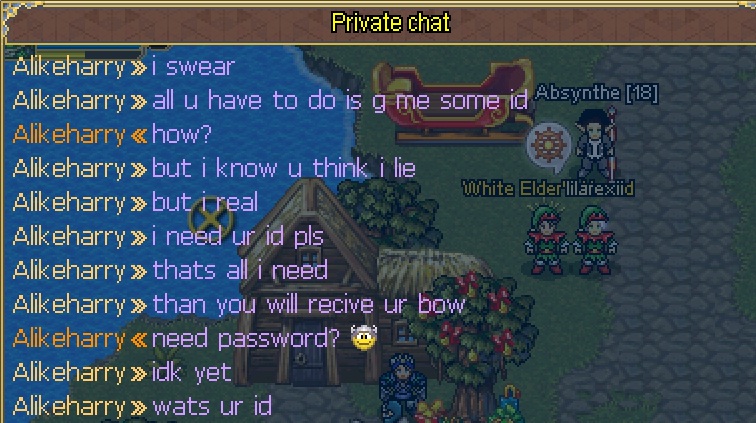
so perez ur the (lilascam)etc :) if u think im the back stabber go ahead, noobs like u dont knw my name i will forgive u
-
wheres my name :(?? people only focus on gears these days?
-
:facepalm: :facepalm: :facepalm: :diablo:
-
:facepalm: :facepalm: :facepalm: :facepalm: hope gm can hook out those scammers Ip address and bannd their accounts

-
i thought i was in the clan :facepalm: scouty :cray:
-
scouty is right :cray:
-
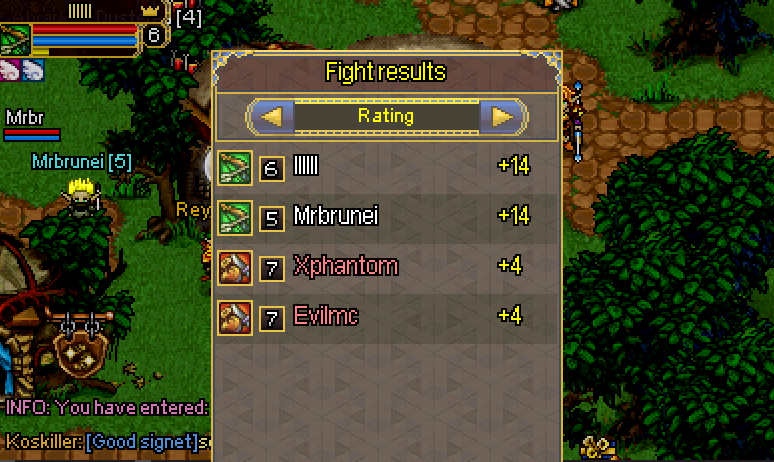
but kuzz if u have read my older post 2-3 week ago, i fight some lvl 10 before :bad: :bad: :bad:
-
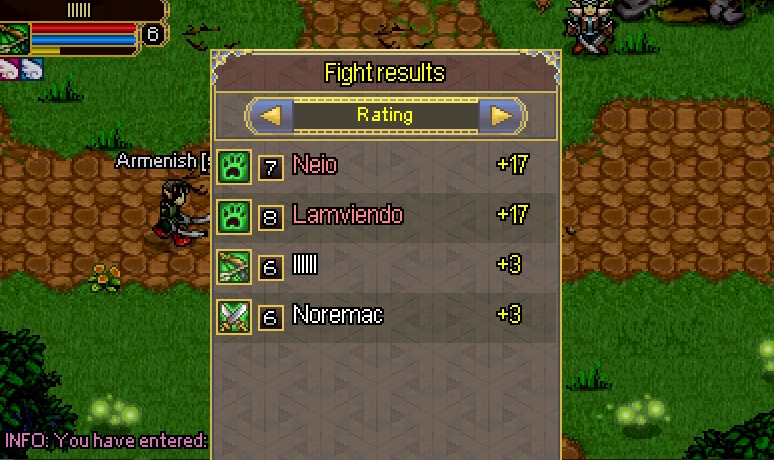
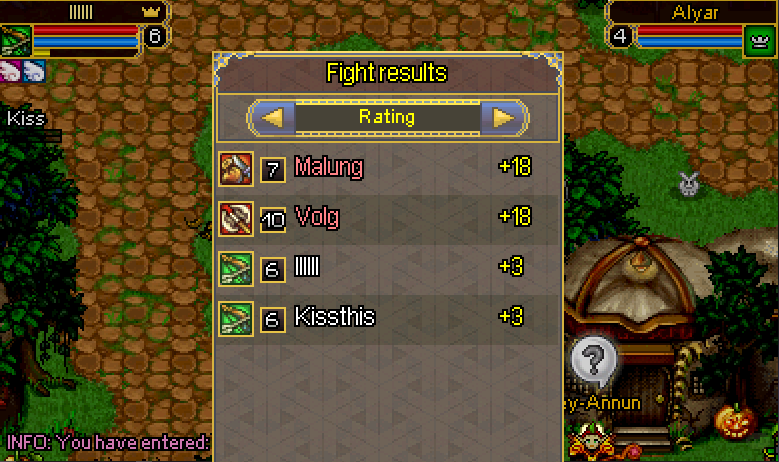
ONE MORE TIME, IF YOU STILL NOT FIXING IT THIS WEEKEND i quit :rofl: thats make players gone, gm&producers please do something on fixing bugs and connection lost.
-
STOP JUST COUNTING MCS FOR MONEY please DO SOMETHING ON FIXING LEVEL BUGS?

-
GM&ADMIN please fix the level bug in ARENA ASAP!!!!!!!!!!
lila replied to lila's topic in PvP and Arena
AGAIN?! :shok:
-
can I join :drinks: noone know me in elf world now :facepalm: :facepalm: only some old friends all newby think they best now :good:
-
GM&ADMIN please fix the level bug in ARENA ASAP!!!!!!!!!!
lila replied to lila's topic in PvP and Arena
AGAIN :facepalm: :facepalm: :facepalm: :facepalm: :facepalm: :facepalm: :facepalm: :facepalm: :facepalm: :facepalm: :facepalm: :facepalm: