


pauuliuus3
-
Posts
149 -
Joined
-
Last visited
Posts posted by pauuliuus3
-
-
again 3hours? *z*
-
how much time mainteance take?
-
go check all

-
server open
-
last year halloween update took 4 hours, this years about 5.. last year winter update took 2:30h, where all good workers this years?
-
i bored. i already wached 2 movies... Southpaw (2015) and road within. Really nice movies.

-
cant wait

-
but i many times saw that many people which was blocked permamently, now unblocked, i know that i did wrong and i dont do it again.
-
Dear Sir or Madam,
I want you to ask about blocked account. After 10mounths ago my necromancer have been blocked. I know what i did wrong. I read all rules again. And im very sorry what im done. But i really want play this game again and my friends want it too. My account blocked 10mounts and maybe after this long time possible to unblock account? My friends want that i play again this game, but my char is blocked, also i want waste some money for miracle coins. Is there chance to unblock account? I never do something against rules again. I just want to get back my char. I cant do everythink to get account unblocked.
And 1 more think sometimes i write to support about unblovking, but they not reply me, i dont know why.
Please help me.
Thank you.

-
-
ok thank you
-
hello everyone. Today i want to sell my arcane legends account so i need to give gmail for succesful trade but my warspear account is in same gmail so i cant trade. is it possible to unbind gmail from warspear account?
-
again servers stoped, why? ...
-
-
Server was on 5mins
-
Servers off almost 9 hours :!
-
No one have my respect
-
Without guild hassn noob
-
4 warning points
-
Here 22:28, i waiting from 14:12 :// all day in this website
-
Come here my fridge is full
coming *hi*
-
ELFS - i hate ELFS
-
My fridge is empty :/
-
Darked u not patient
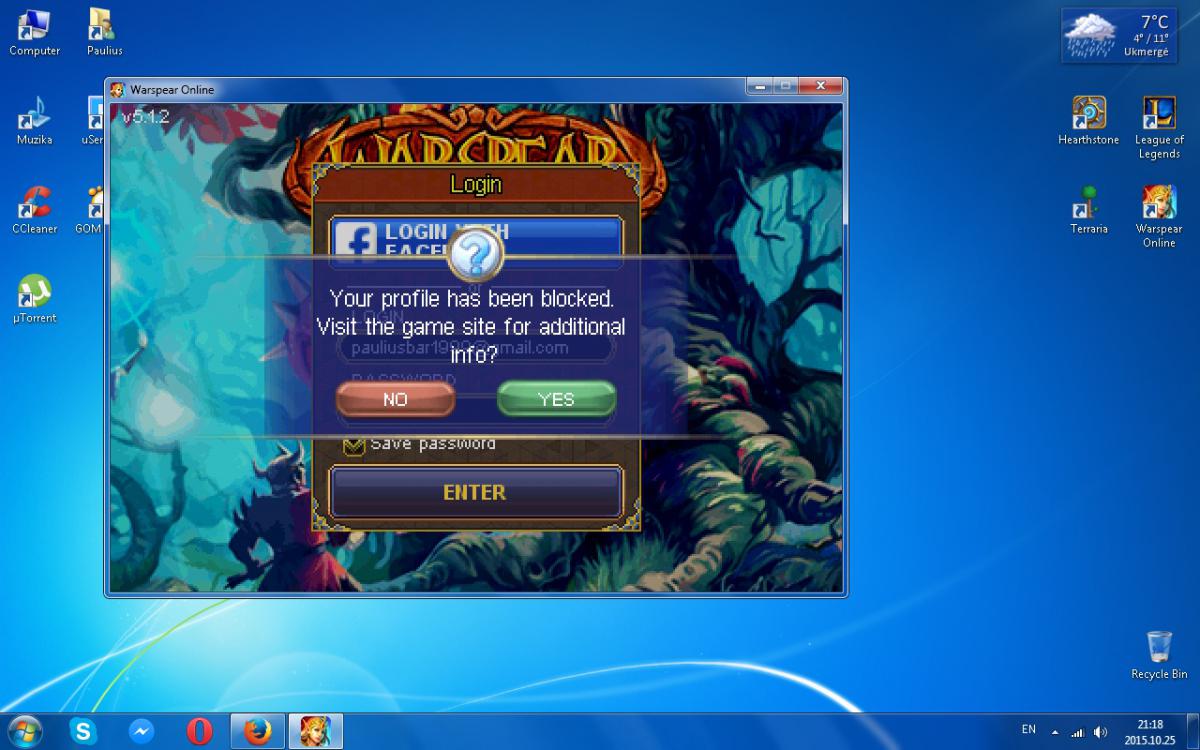
email address
in Support
Posted · Edited by pauuliuus3
Helló
Hogyan változtathatom meg az e-mail címet a játékhoz?