Skip to content
View in the app

A better way to browse. Learn more.

Warspear Online official forum

A full-screen app on your home screen with push notifications, badges and more.

To install this app on iOS and iPadOS
  1. Tap the Share icon in Safari
  2. Scroll the menu and tap Add to Home Screen.
  3. Tap Add in the top-right corner.
To install this app on Android
  1. Tap the 3-dot menu (⋮) in the top-right corner of the browser.
  2. Tap Add to Home screen or Install app.
  3. Confirm by tapping Install.

salazara8194

Members
  • Joined

  • Last visited

  1.    Дон Корица reacted to a post in a topic: Salazara, US-Shapphire
  2.    mashunecka reacted to a post in a topic: Salazara, US-Shapphire
  3.    Ogull reacted to a post in a topic: Salazara, US-Shapphire
  4.    Nolan reacted to a post in a topic: Salazara, US-Shapphire
  5. A horror zombie. Grrrr !!!
  6. Elf will become beast in future. Need nert their skills. GM make this game back balance pls !!!
  7. @ Shine stark: thank you comment. i'm a fan of big armor :D. @ Christiano: thank you. @ ninjatrickster: thank you. @ Nindaime: thank you. @ Vampard: yeah color is option. @ washememew: thank you. you have nice costume design too :) @ mentari: thanks. you art look great.
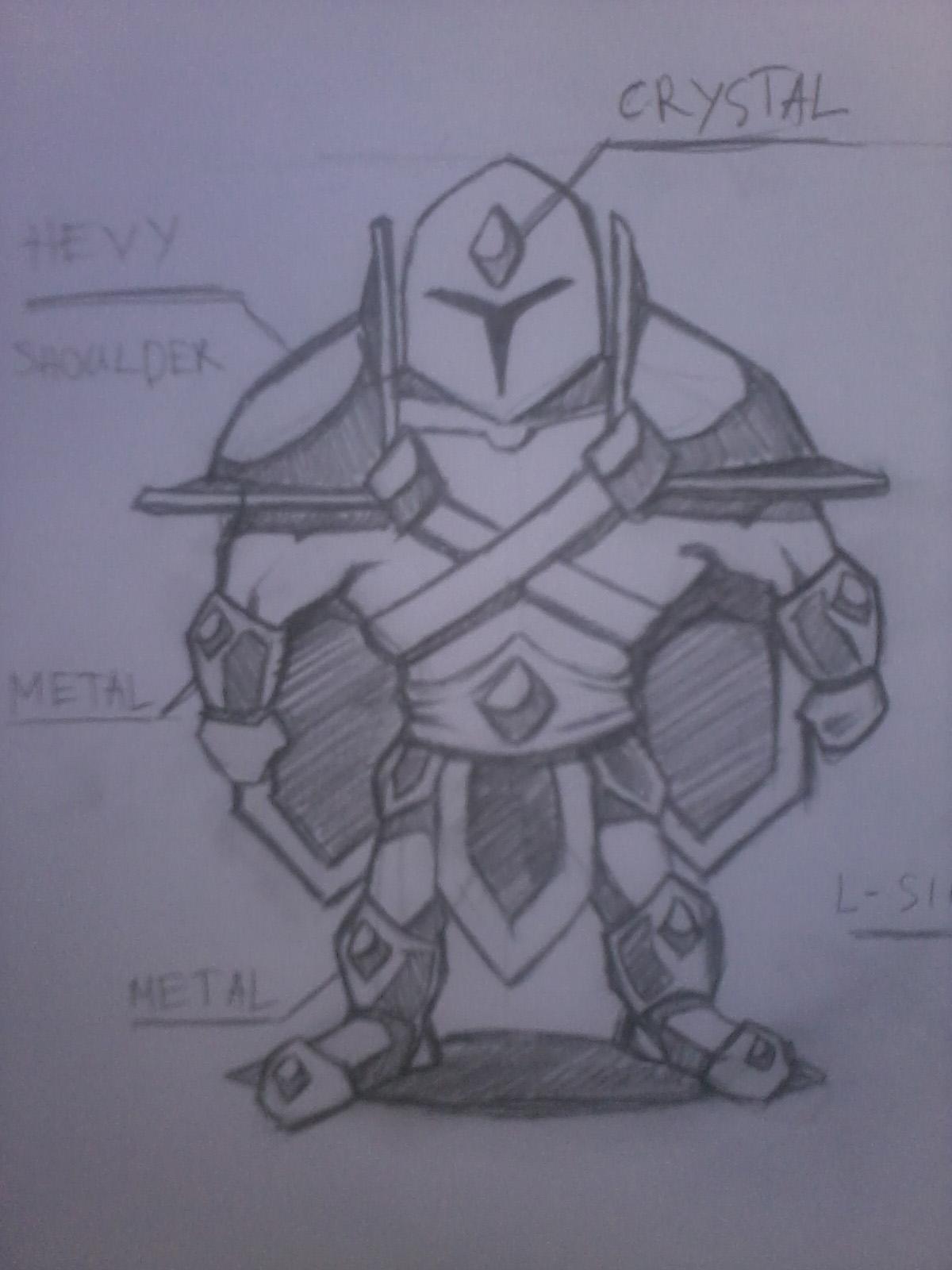
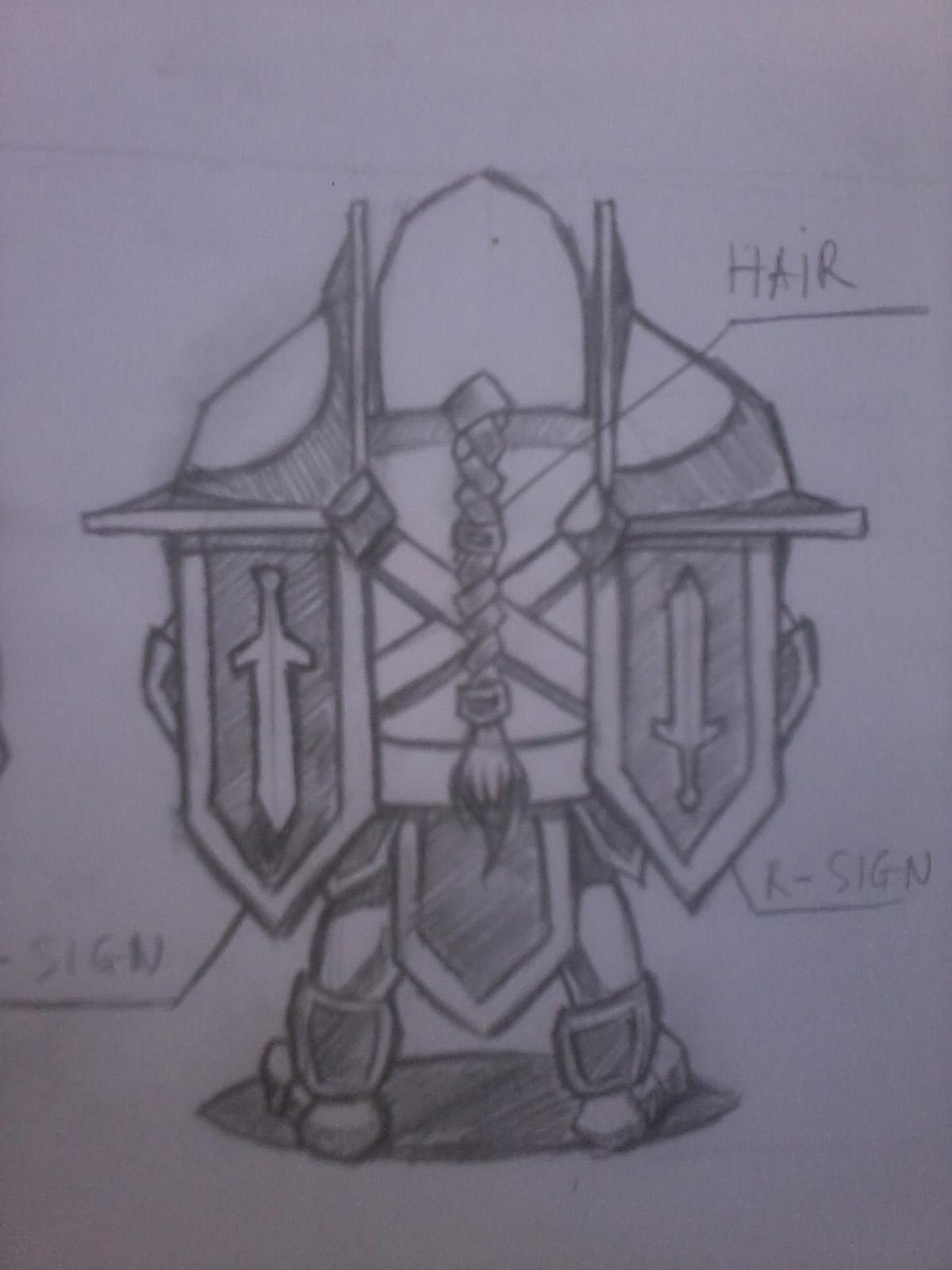
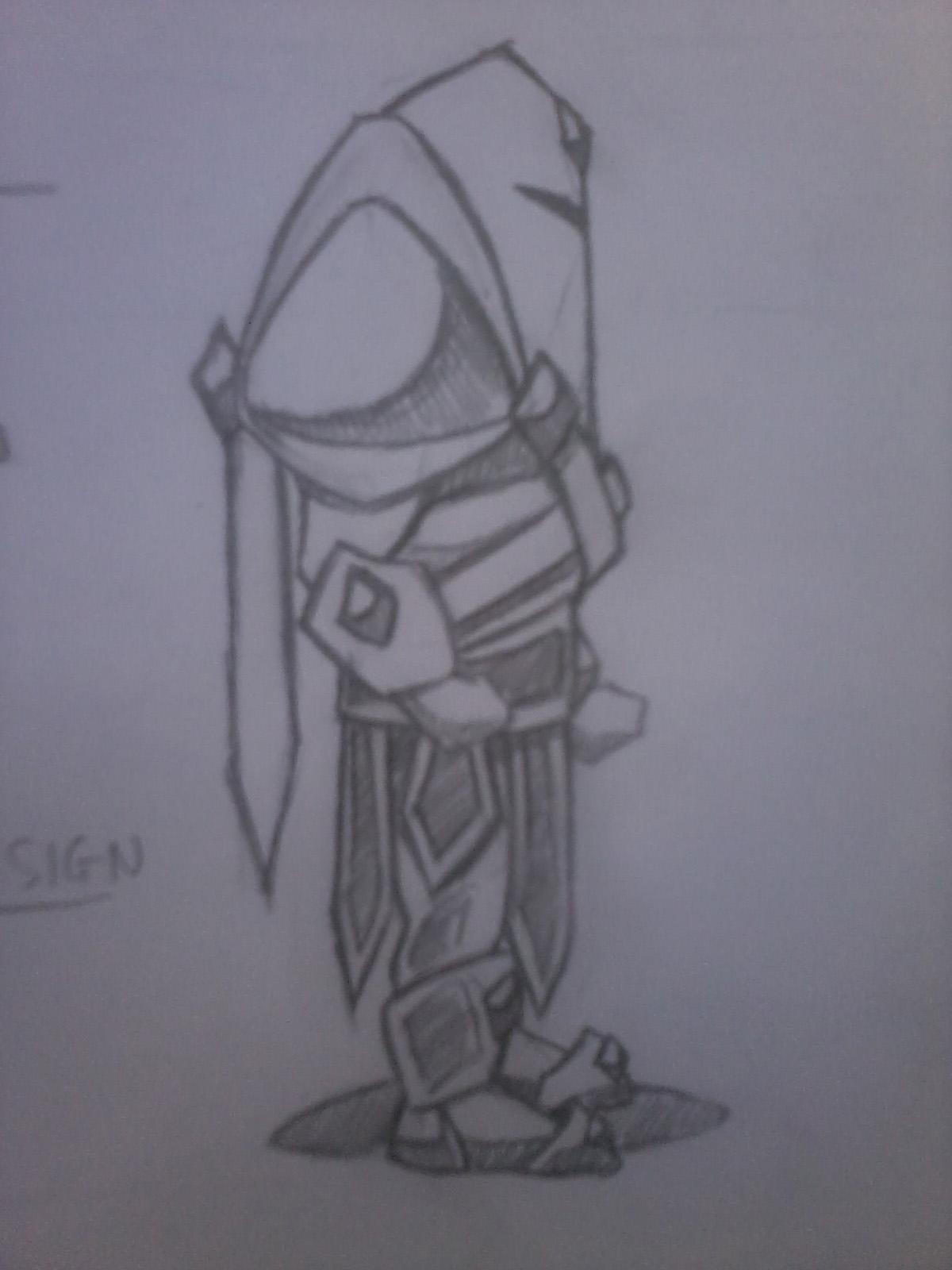
  8. He never fail. Two sword sign at his back mean he can not defeat and will not lose. He got long hair its stand for his strength. Sorry if bad English, hope you guys like it and comment is great to me.

Account

Navigation

Search

Search

Configure browser push notifications

Chrome (Android)
  1. Tap the lock icon next to the address bar.
  2. Tap Permissions → Notifications.
  3. Adjust your preference.
Chrome (Desktop)
  1. Click the padlock icon in the address bar.
  2. Select Site settings.
  3. Find Notifications and adjust your preference.